9 Must-Have Features in a Professional Wedding Planner Website Template
Your wedding planner website is often the very first impression a couple gets of your business — and in 2026, that first impression happens online. 💍 Whether a bride is browsing at midnight on her phone or a groom is comparing vendors on his lunch break, your website needs to do serious work. Understanding the 9 Must-Have Features in a Professional Wedding Planner Website Template is no longer optional — it’s the difference between landing a client and losing one to a competitor whose site simply works better.
Disclosure: This post contains affiliate links. As an Amazon Associate, we earn from qualifying purchases, and at no extra cost to you.
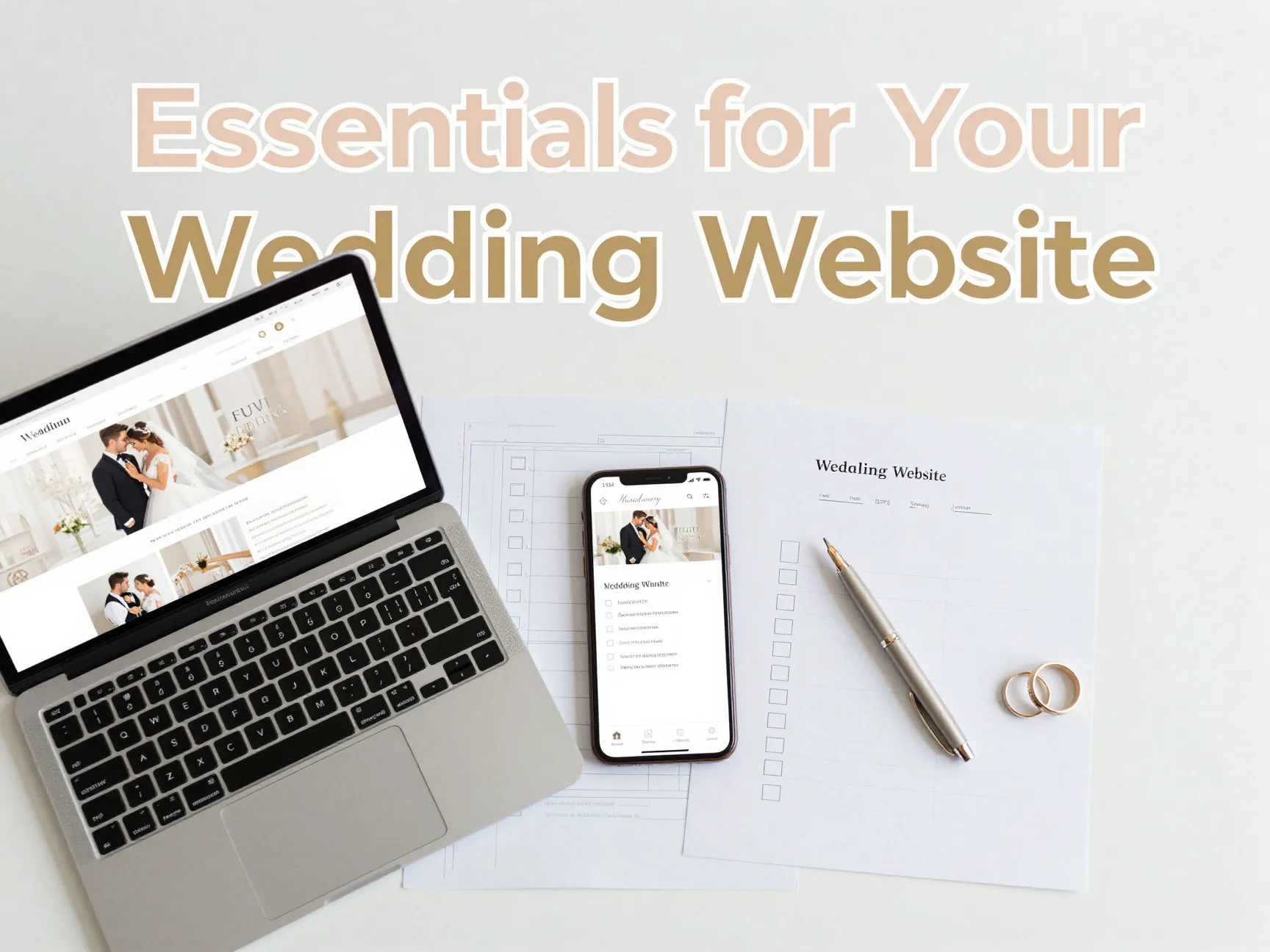
In this guide, I’ll walk you through every feature that separates a forgettable wedding website from one that books consultations on autopilot. From mobile-first design to secure guest portals, these are the building blocks of a high-performing wedding planner template [1].
Key Takeaways
- 📱 Mobile-first design is non-negotiable — most couples browse wedding vendors on smartphones.
- 🗂️ RSVP management and guest tracking tools save hours of manual follow-up work.
- 🔒 Password-protected sections keep sensitive logistics private and secure.
- 🎨 Customizable design elements let you match every couple’s unique wedding aesthetic.
- 🔍 SEO-ready structure ensures your website gets found by the right clients at the right time.
Why Your Wedding Planner Website Template Matters More Than Ever
The wedding industry is fiercely competitive. Couples in 2026 expect a seamless, beautiful, and functional digital experience before they ever pick up the phone. A professionally built website template signals credibility, attention to detail, and organizational skill — all qualities couples want in a planner.
According to design and template marketplaces, the demand for polished, feature-rich wedding website templates has grown significantly, with platforms like ThemeForest, Canva, and Wix all expanding their wedding-specific offerings [5][7][8]. The right template doesn’t just look good — it works hard for you 24/7.
“Your website is your most powerful sales tool. A well-designed template communicates professionalism before a single word is read.”
Let’s dive into the 9 Must-Have Features in a Professional Wedding Planner Website Template that every serious wedding professional needs.
The 9 Must-Have Features in a Professional Wedding Planner Website Template
1. Mobile-First, Responsive Design
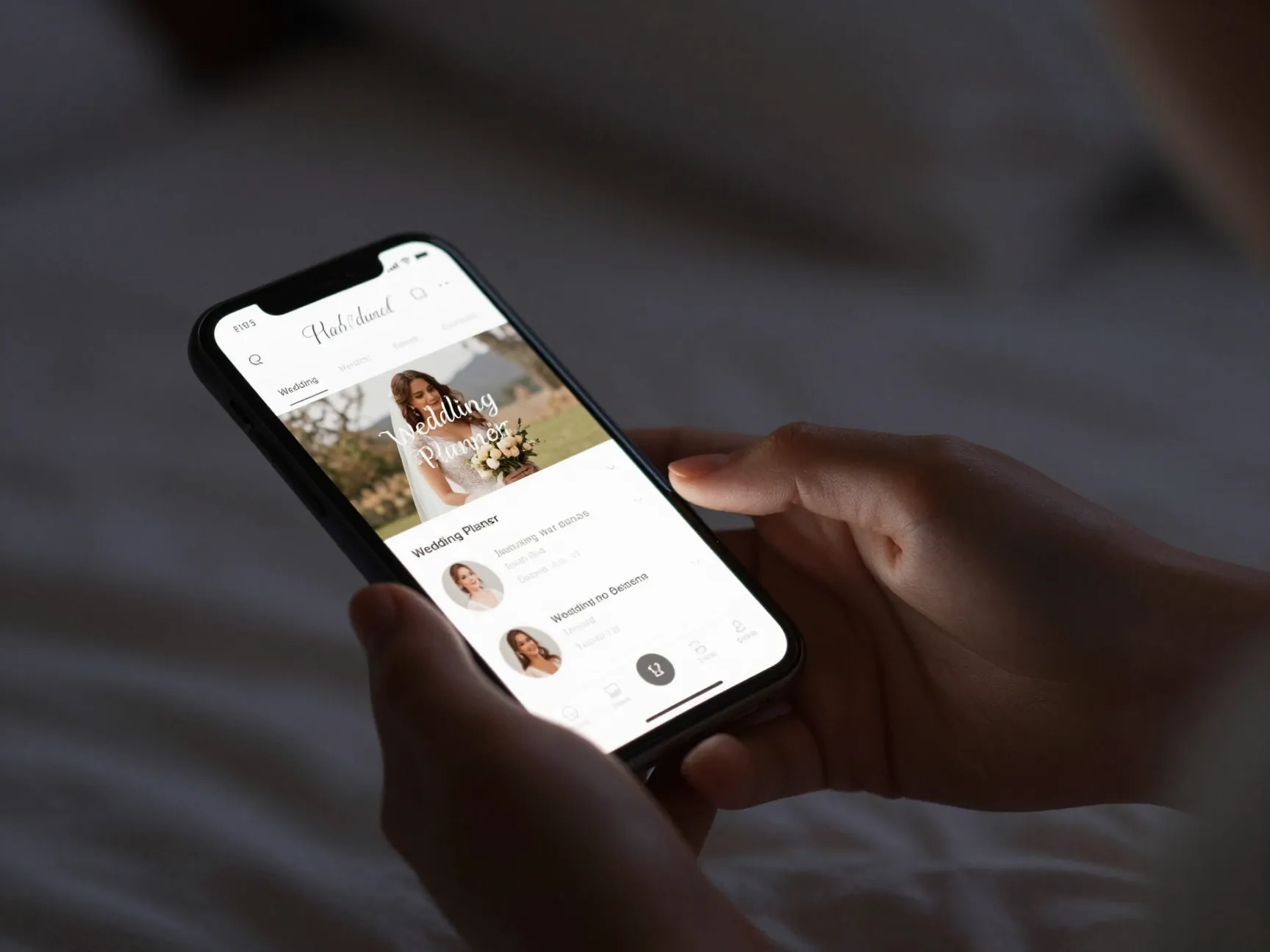
Let’s start with the foundation. Responsive design means your website automatically adjusts to look great on any screen — desktop, tablet, or smartphone. But in 2026, mobile-first goes a step further: the mobile experience is designed first, and the desktop version follows.
Why does this matter so much? The majority of couples discover wedding vendors while scrolling on their phones. If your site loads slowly, looks broken, or requires pinching and zooming on mobile, they’re gone in seconds [1].
What to look for in a mobile-first template:
- Fluid grid layouts that adapt to any screen width
- Touch-friendly navigation menus and buttons
- Fast load times optimized for mobile data connections
- Readable font sizes without zooming
- Images that scale without distortion
Platforms like Wix offer wedding templates built with responsive behavior baked in from the start [5]. Don’t settle for a template that was designed for desktop and “also works” on mobile — demand one that was built mobile-first.
2. RSVP Management and Guest Tracking
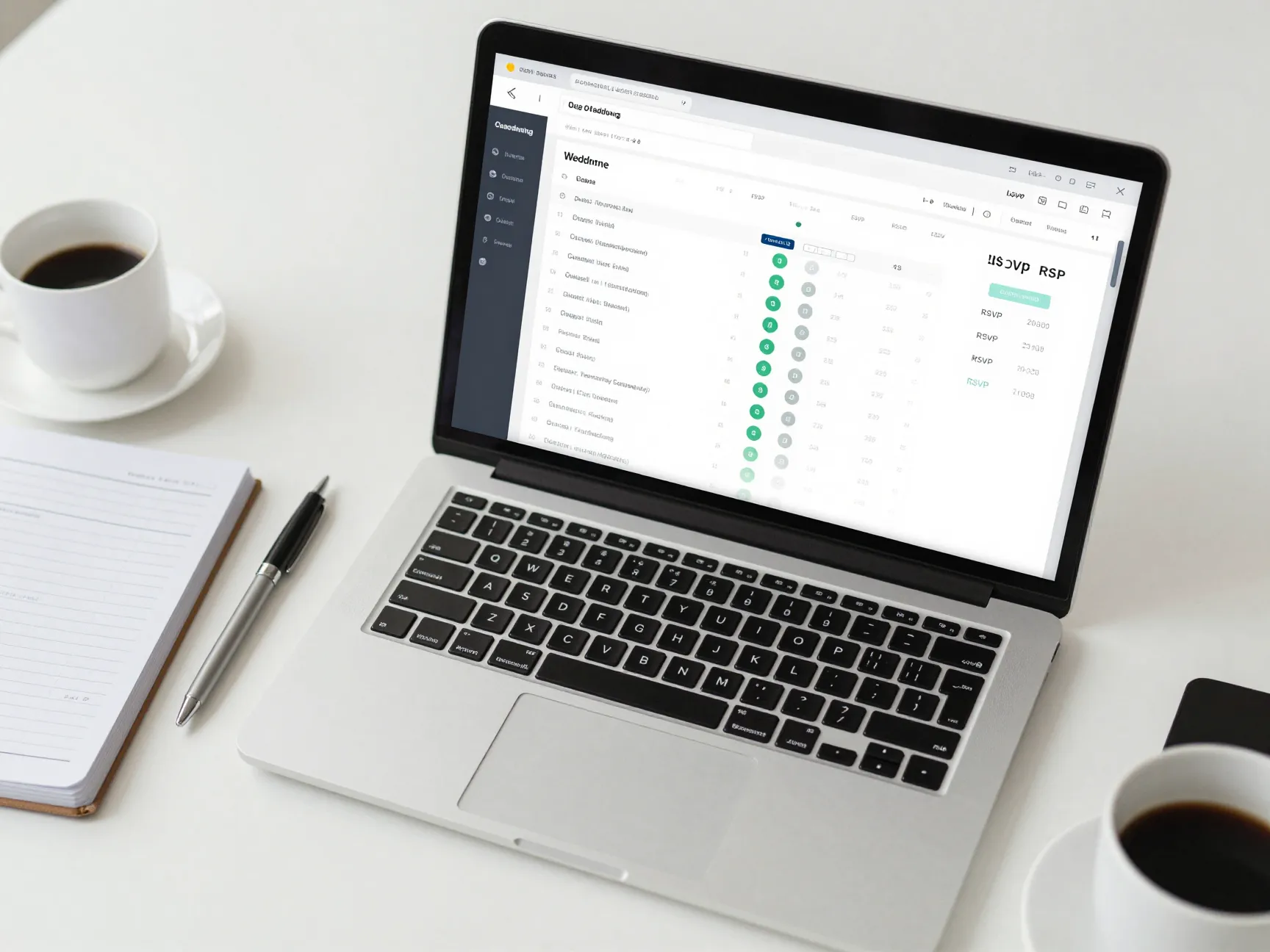
Managing a guest list manually is a nightmare. Spreadsheets, email threads, and sticky notes lead to errors, missed responses, and unnecessary stress. A professional wedding planner website template should include integrated RSVP forms that collect responses automatically and organize them in a dashboard [1].
Core RSVP features to expect:
| Feature | Why It Matters |
|---|---|
| Online RSVP forms | Eliminates paper and manual data entry |
| Meal preference collection | Streamlines catering coordination |
| Guest count tracking | Real-time visibility into attendance numbers |
| Automated reminders | Reduces the need to chase non-responders |
| Countdown timers | Builds excitement and creates urgency for responses |
Countdown timers tied to RSVP deadlines are a particularly smart touch — they create a gentle sense of urgency that encourages guests to respond promptly [1]. Look for templates that integrate these tools natively rather than requiring third-party plugins.
3. Interactive Photo Galleries
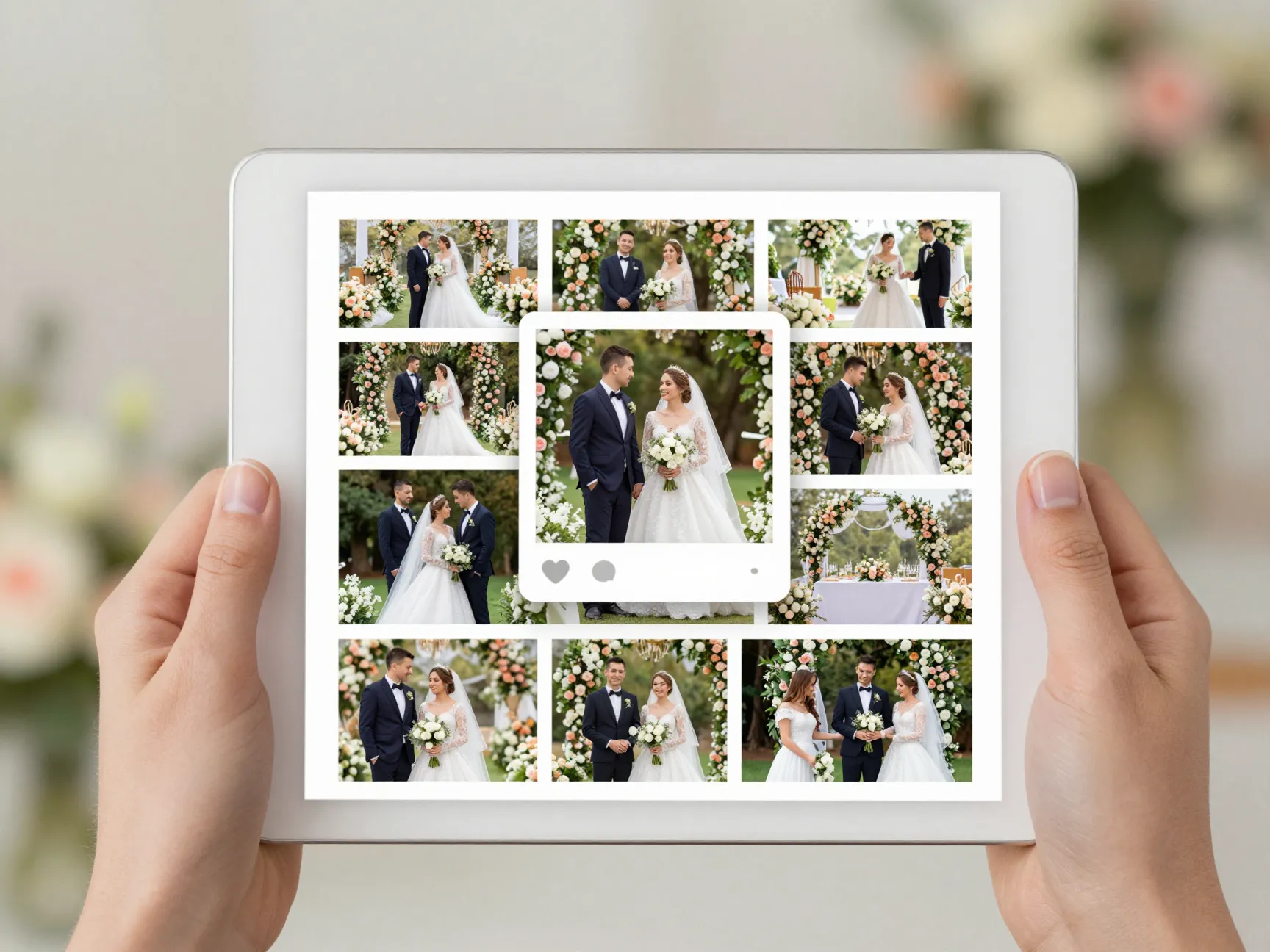
A picture is worth a thousand words — and in the wedding industry, stunning visuals are your portfolio, your proof of concept, and your emotional hook all at once. 📸
An interactive photo gallery allows you to showcase past weddings, styled shoots, and venue highlights in a way that’s easy to browse and visually compelling. The best templates offer:
- Responsive grid or masonry layouts that look beautiful on all devices
- Lightbox viewing so images open in full-screen without leaving the page
- Easy image upload and management through a simple backend interface
- Category filtering to organize galleries by venue, style, or season
- Fast loading through lazy-load technology that doesn’t slow down your site
Customizable gallery components are a standard feature in high-quality wedding website templates available on platforms like Canva and Etsy [7][9]. Your gallery is often the section couples spend the most time on — make sure it delivers.
4. Registry and Gift Integration
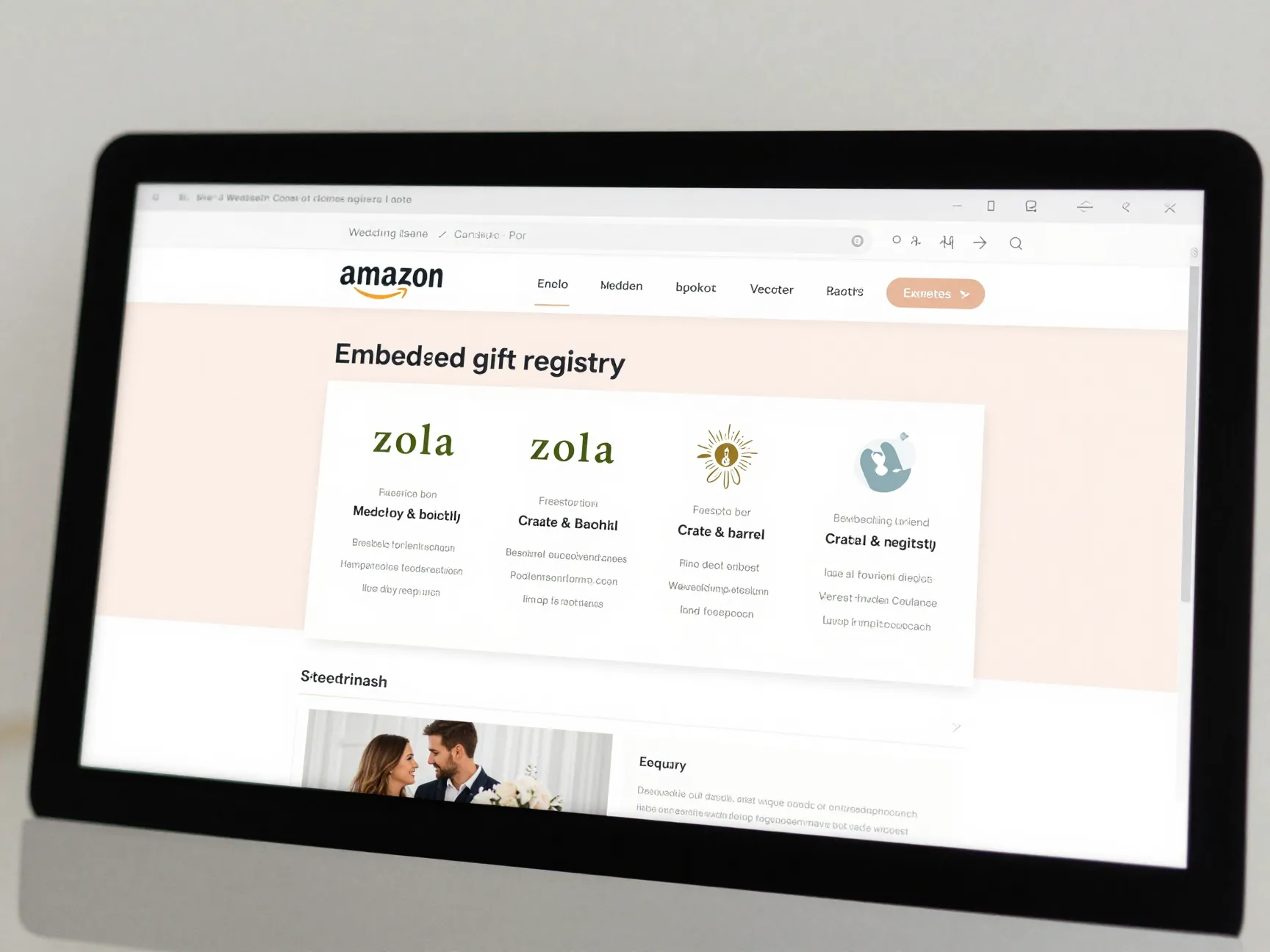
Modern couples expect convenience, and nothing is more convenient than being able to access a gift registry directly from the wedding website. Seamless registry integration removes friction for guests and reduces the number of “where are you registered?” messages the couple has to field [1].
A well-built template should support:
- Direct links to major registry platforms (Amazon, Zola, Crate & Barrel, etc.)
- Embedded wish lists that display within the site
- Multiple registry support for couples registered in more than one place
- A clean, easy-to-find placement in the site navigation
This feature benefits wedding planners too — it demonstrates your ability to create a fully integrated digital experience for clients, which is a strong selling point during consultations.
5. Event Schedules and Timeline Features
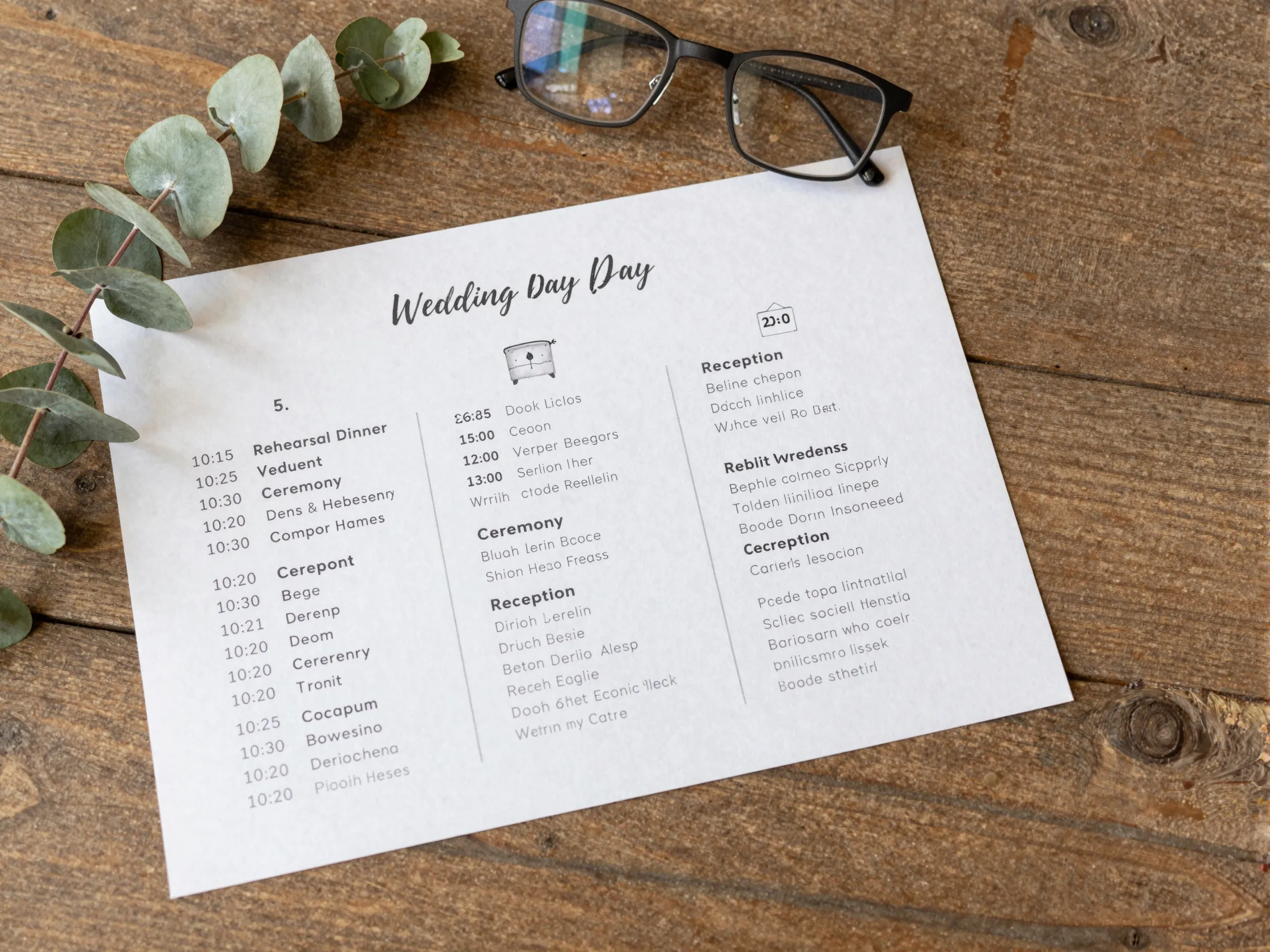
Weddings are complex, multi-event occasions. Rehearsal dinners, ceremonies, receptions, brunches — guests need to know where to be and when. A professional template should include detailed event schedule and timeline features that keep everyone informed and on track [1].
Best practices for event timeline sections:
- Display events in chronological order with clear times and locations
- Include brief descriptions for each event (dress code, what to expect)
- Integrate countdown timers to build anticipation for key moments
- Allow easy editing so the couple can update details as plans evolve
- Make the schedule printable or shareable for guests without smartphone access
“A clear event timeline reduces day-of confusion and reflects the planner’s organizational expertise — a win for everyone involved.”
Wedding planning websites and apps that excel in this area, like those reviewed by industry blogs, consistently highlight timeline clarity as a top priority for couples [6].
6. Secure Sections for Private Details
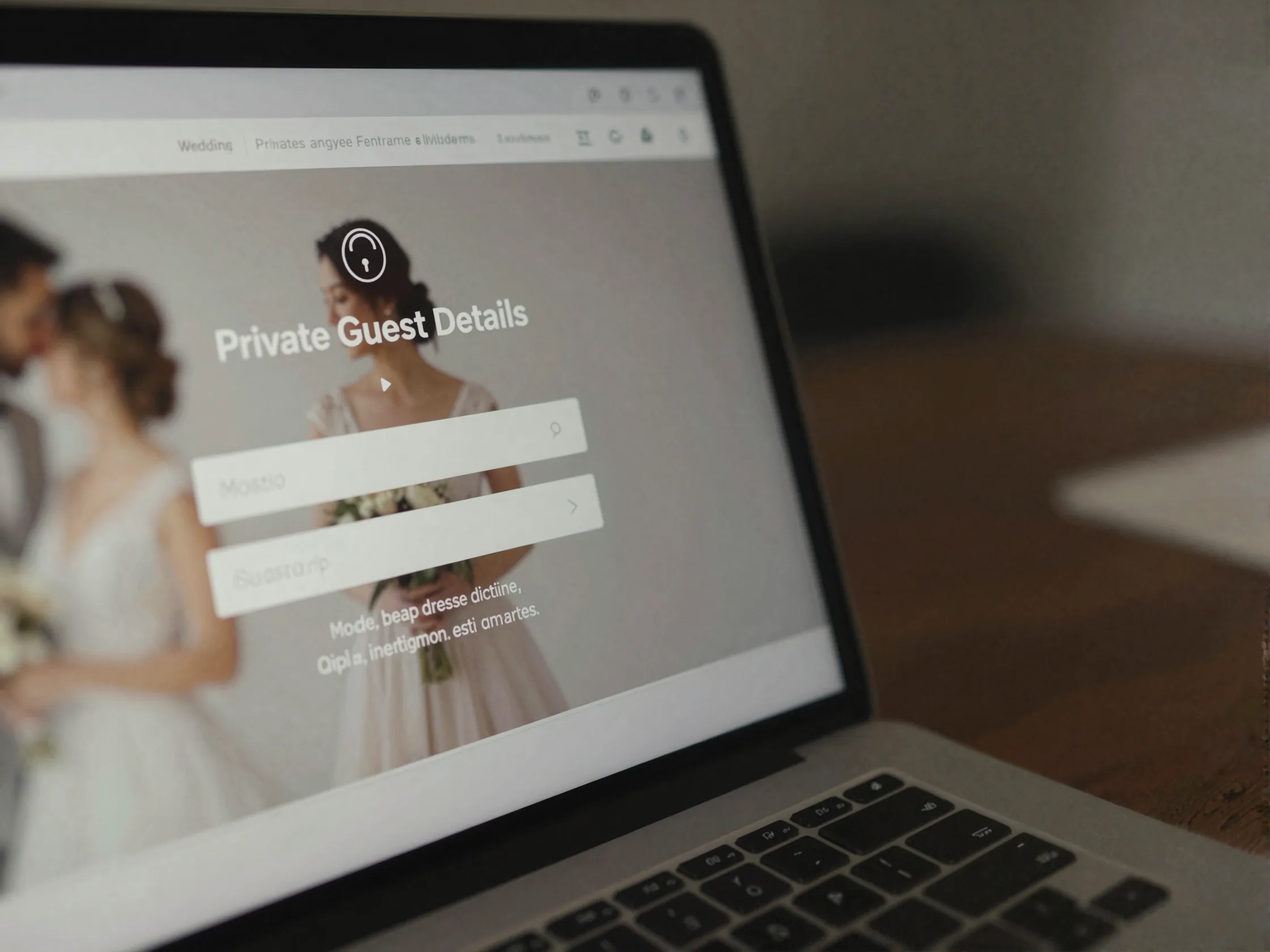
Not everything on a wedding website should be public. Hotel room block information, shuttle schedules, venue addresses, and family-only details deserve protection. Password-protected sections are an essential feature in any professional wedding planner website template [1].
🔒 Why security matters:
- Prevents uninvited guests from accessing logistics
- Protects the couple’s privacy from internet strangers
- Allows the planner to share sensitive vendor information selectively
- Adds a layer of professionalism that clients genuinely appreciate
Look for templates that offer granular access control — the ability to password-protect specific pages rather than the entire site. This way, your public-facing portfolio and contact page remain accessible while private details stay locked down.
7. Interactive Maps and Navigation
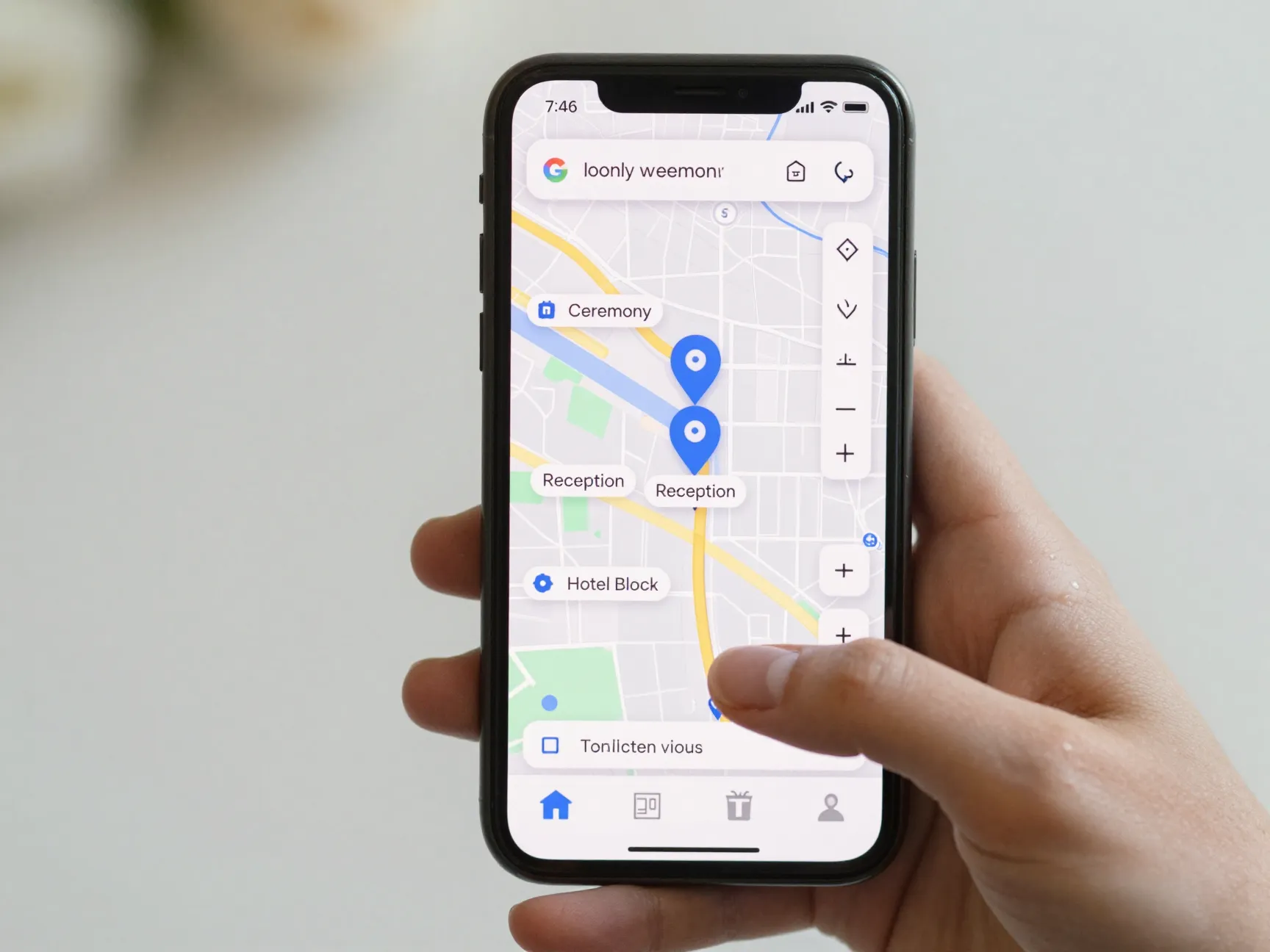
Guests travel from near and far for weddings. Making it easy for them to find the venue, nearby hotels, and local recommendations is a thoughtful touch that reduces day-of stress. Interactive maps and navigation features are a must-have in any serious wedding website template [1].
What great map integration looks like:
- Embedded Google Maps or similar tools showing the exact venue location
- Turn-by-turn directions accessible from the site
- Multiple location pins for ceremony, reception, and hotel blocks
- Local recommendations for restaurants, attractions, and transportation
- Mobile-friendly map views that open in native map apps with one tap
Wedding agency website templates that prioritize user experience consistently include robust location and navigation features as a core component [2]. When guests can find everything they need in one place, it reflects beautifully on the planner who built the experience.
8. Accessibility Features
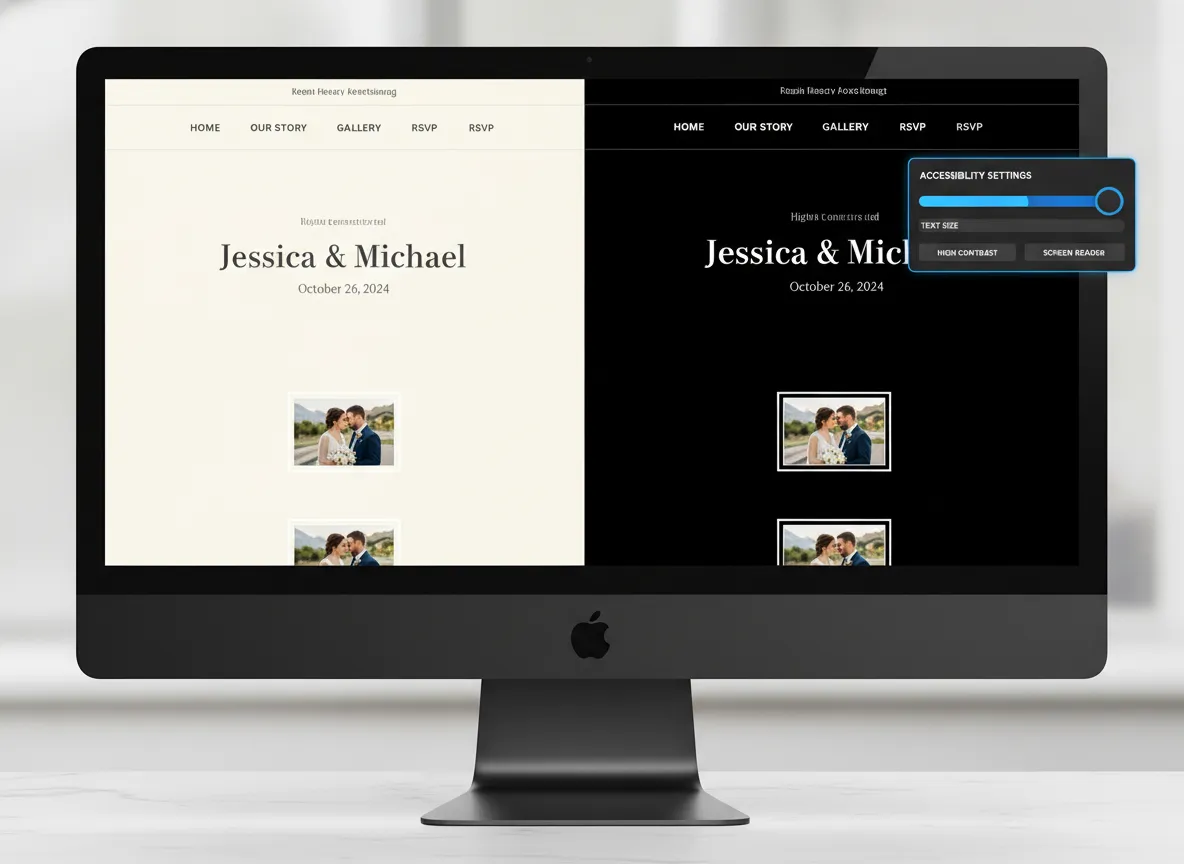
An often-overlooked but critically important feature: accessibility. Your wedding website should be usable by everyone — including guests with visual impairments, hearing difficulties, or motor challenges [1].
Accessible design is not just the right thing to do — it’s also increasingly a legal consideration for professional businesses.
Key accessibility features to look for:
| Accessibility Feature | Benefit |
|---|---|
| Adjustable text sizes | Helps guests with low vision read comfortably |
| High-contrast mode | Improves readability for visually impaired users |
| Alt text for images | Supports screen reader users |
| Keyboard navigation | Assists users who can’t use a mouse |
| Captioned video content | Includes deaf and hard-of-hearing guests |
| Clear, simple navigation | Benefits users with cognitive differences |
Templates built on platforms with strong accessibility standards, such as those reviewed on codeless website builders [3], tend to include these features as defaults rather than add-ons. Prioritize templates that take accessibility seriously from the ground up.
9. Social Media Integration and Livestream Capabilities
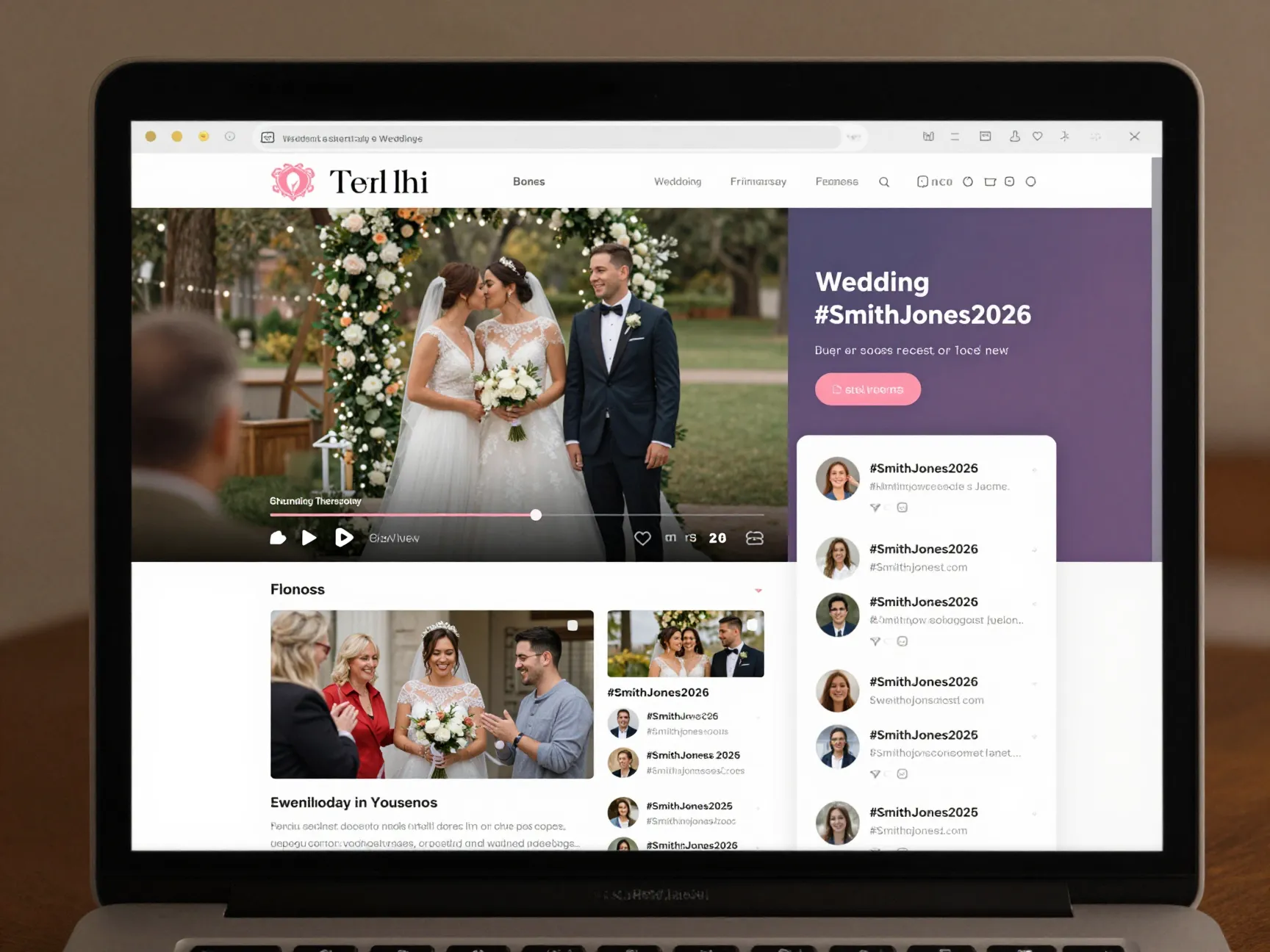
In 2026, weddings are social events in every sense of the word. Couples want to share their journey, and guests want to celebrate even when they can’t attend in person. Social media integration and livestream capabilities bridge the gap between the physical and digital celebration [1].
📱 What this feature should include:
- Embedded Instagram, TikTok, or Pinterest feeds showing the couple’s content
- A custom wedding hashtag display to aggregate guest posts
- Livestream embed capabilities for remote guests
- Social sharing buttons on gallery images and key pages
- Real-time photo sharing features for guests to contribute their own shots
This feature also benefits wedding planners from a marketing perspective. When couples share their beautiful wedding website — built by you — it’s free advertising to their entire social network. Templates that make social sharing effortless multiply your reach organically.
Bonus Features Worth Considering
While the 9 Must-Have Features in a Professional Wedding Planner Website Template above are essential, a few additional capabilities can elevate your template from good to exceptional.
🖥️ Content Management System (CMS)
A smart CMS allows you or your clients to update content without any coding knowledge [1]. Look for drag-and-drop editors, pre-built content blocks, and intuitive dashboards. Platforms like Wix and Canva excel here [5][7].
🎨 Customizable Design Elements
Every wedding has a unique aesthetic. Your template should offer editable color palettes, font pairings, layout options, and decorative elements so each client’s site feels personal [1]. ThemeForest and Etsy both offer highly customizable wedding templates with extensive design flexibility [8][9].
🔍 SEO-Ready Structure
A beautiful website that no one can find is a missed opportunity. Templates built with clean code, proper heading hierarchies, meta tag support, and fast load speeds help your site rank in search results [1]. This is especially important for wedding planners trying to attract organic traffic from couples searching for vendors in their area.
Comparing Popular Wedding Template Platforms
Here’s a quick overview of where to find high-quality wedding planner website templates in 2026:
| Platform | Best For | Customization Level | Price Range |
|---|---|---|---|
| Wix [5] | Beginners, DIY planners | High (drag-and-drop) | Free – $$$ |
| ThemeForest [8] | Developers, agencies | Very High | $-$$ (one-time) |
| Canva [7] | Quick, visual design | Moderate | Free – $ |
| Etsy [9] | Unique, boutique designs | Moderate-High | $-$$ |
| Codeless builders [3] | Non-technical planners | High | $/month |
Each platform has its strengths. Your choice should depend on your technical comfort level, budget, and how much customization your clients expect.
How to Choose the Right Template for Your Business
Now that you know the 9 Must-Have Features in a Professional Wedding Planner Website Template, here’s a simple framework for evaluating your options:
- Start with mobile — Test every template on your phone before anything else.
- Check the CMS — Can you update content easily without a developer?
- Review the gallery — Does it showcase images the way you need?
- Test the RSVP tools — Are they built-in or do they require external integrations?
- Verify accessibility — Run the template through an accessibility checker.
- Evaluate SEO features — Does it support custom meta titles, descriptions, and clean URLs?
- Consider your brand — Can you customize colors, fonts, and layouts to match your identity?
“The best template isn’t the most expensive or the most elaborate — it’s the one that makes your clients feel confident and your business look exceptional.”
Incredible example wedding website designs consistently share these qualities: clarity, elegance, and functionality working together seamlessly [4].
Conclusion
Building a professional wedding planner website in 2026 means more than choosing a pretty theme. It means selecting a template that works as hard as you do — one that manages RSVPs, protects private information, showcases your portfolio, and helps couples feel organized and excited about their big day.
The 9 Must-Have Features in a Professional Wedding Planner Website Template — mobile-first design, RSVP management, interactive galleries, registry integration, event timelines, secure sections, interactive maps, accessibility tools, and social media integration — form the complete foundation of a website that converts visitors into clients.
Your Next Steps 🚀
- Audit your current website against this list of 9 features. Identify any gaps.
- Explore template platforms like Wix, ThemeForest, or Canva to find options that check all the boxes.
- Prioritize mobile and accessibility — these two features affect every single visitor.
- Invest in an SEO-ready template so your beautiful site actually gets found.
- Update your content regularly using a CMS-powered template to keep your site fresh and relevant.
Your website is your most powerful business asset. Make sure it has everything it needs to do its job brilliantly. 💐
References
[1] Wedding Web Template – https://www.gola.supply/blog/wedding-web-template
[2] Wedding Agency Website Templates – https://ataulswebdesigns.com/wedding-agency-website-templates/
[3] Wedding Planner Templates – https://mycodelesswebsite.com/wedding-planner-templates/
[4] 7 Incredible Example Wedding Website Designs To Inspire You In 2026 – https://www.baslondigital.com/post/7-incredible-example-wedding-website-designs-to-inspire-you-in-2026
[5] Weddings – https://www.wix.com/website/templates/html/events/weddings
[6] 8 Of The Best Wedding Planning Websites And Apps For Couples In 2026 – https://blog.wedsites.com/8-of-the-best-wedding-planning-websites-and-apps-for-couples-in-2026/
[7] Wedding – https://www.canva.com/website-builder/templates/wedding/
[8] Wedding – https://themeforest.net/search/wedding
[9] Wedding Planner Website Design – https://www.etsy.com/market/wedding_planner_website_design