8 Canva Wedding Invitations You Can Design Yourself Today
Planning a wedding is exciting — but it can also be overwhelming and expensive. Here’s something that might surprise you: you don’t need to hire a graphic designer or spend hundreds of dollars on custom stationery to get stunning wedding invitations. With Canva, you can create beautiful, print-ready invitations from your laptop or phone, even if you’ve never designed anything in your life. In this guide, I’ll walk you through 8 Canva wedding invitations you can design yourself today, covering everything from style choices to pro tips that will make your invitations look like they came straight from a boutique stationery shop.
Key Takeaways
- 🎨 Canva’s free plan includes hundreds of customizable wedding invitation templates — no paid subscription required [1]
- 💌 You can create a complete matching invitation kit including RSVPs, Save the Dates, and itineraries all in one cohesive design [2]
- 🌐 Virtual wedding invitation templates are available for couples hosting remote or hybrid ceremonies [3]
- 🖨️ Canva supports multiple export formats (PDF, PNG, JPG) for both print and digital sharing [5]
- 🎯 No design experience is needed — the platform is built for everyday users who want professional results [5]
Why Canva Is a Game-Changer for DIY Wedding Invitations
Before we dive into the 8 Canva wedding invitations you can design yourself today, let’s talk about why Canva has become the go-to platform for couples who want beautiful stationery without the boutique price tag.
Canva is a web-based design tool that gives you access to thousands of professionally designed templates. For wedding invitations specifically, the platform offers:
| Feature | Free Plan | Canva Pro |
|---|---|---|
| Template access | Hundreds of designs | Thousands of designs |
| Custom color palettes | ✅ Yes (with hex codes) | ✅ Yes |
| Photo uploads | ✅ Yes | ✅ Yes |
| Export to PDF/PNG/JPG | ✅ Yes | ✅ Yes |
| Brand kits | ❌ No | ✅ Yes |
| Premium elements | Limited | Unlimited |
💡 Pull Quote: “The free version of Canva includes everything most couples need to create polished, print-ready wedding invitations — no upgrade required.” [1]
The platform is also remarkably beginner-friendly. You don’t need to know anything about typography, layout, or color theory. Simply pick a template, swap in your details, and download. That said, knowing a few smart tricks — like using hex codes to match your exact wedding colors [5] — can take your design from good to truly stunning.
The 8 Canva Wedding Invitations You Can Design Yourself Today
Now let’s get into the heart of this guide. Below are eight distinct invitation styles available on Canva, each suited to a different wedding aesthetic, venue type, or couple personality. I’ve included design tips, customization ideas, and key details for each one.
1. Modern Minimalist Invitation
Best for: Urban venues, city hall weddings, contemporary couples
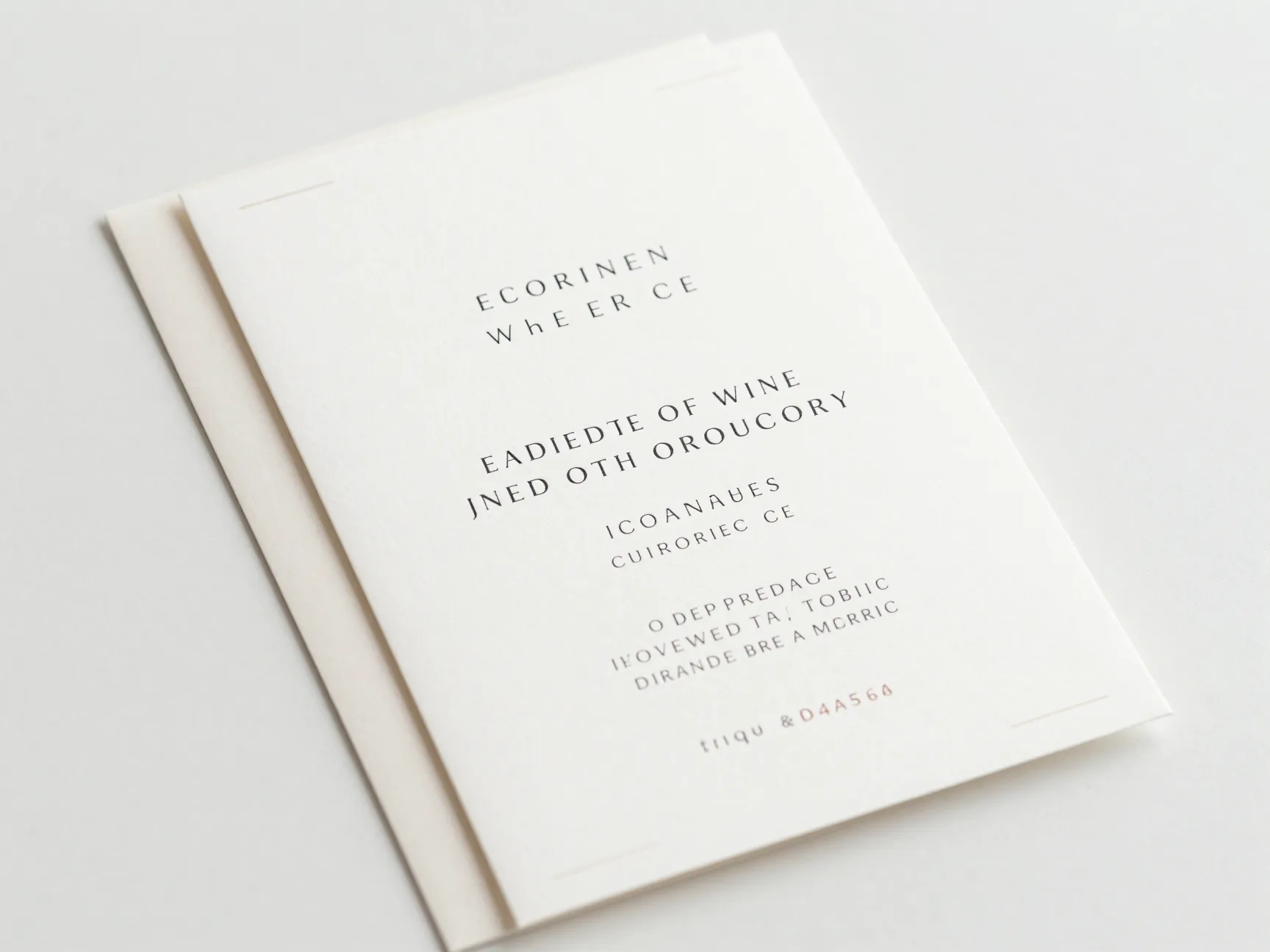
The modern minimalist style is clean, elegant, and timeless. Think white or cream backgrounds, thin serif or sans-serif fonts, and very little decoration. This style lets your words do the talking.
Key design elements to look for:
- Generous white space around text
- One or two font families maximum
- Subtle geometric borders or lines
- Neutral color palette (white, ivory, charcoal, blush)
Canva tip: Use the hex code tool to match your exact wedding color. For example, if your florals are dusty rose, enter the hex code #D4A5A5 to get a perfect match [5]. This level of precision makes your invitations look professionally coordinated.
Export recommendation: Download as a PDF (Print) for the sharpest results when sending to a local printer [5].
2. Romantic Floral Invitation
Best for: Garden weddings, spring and summer ceremonies, botanical venues
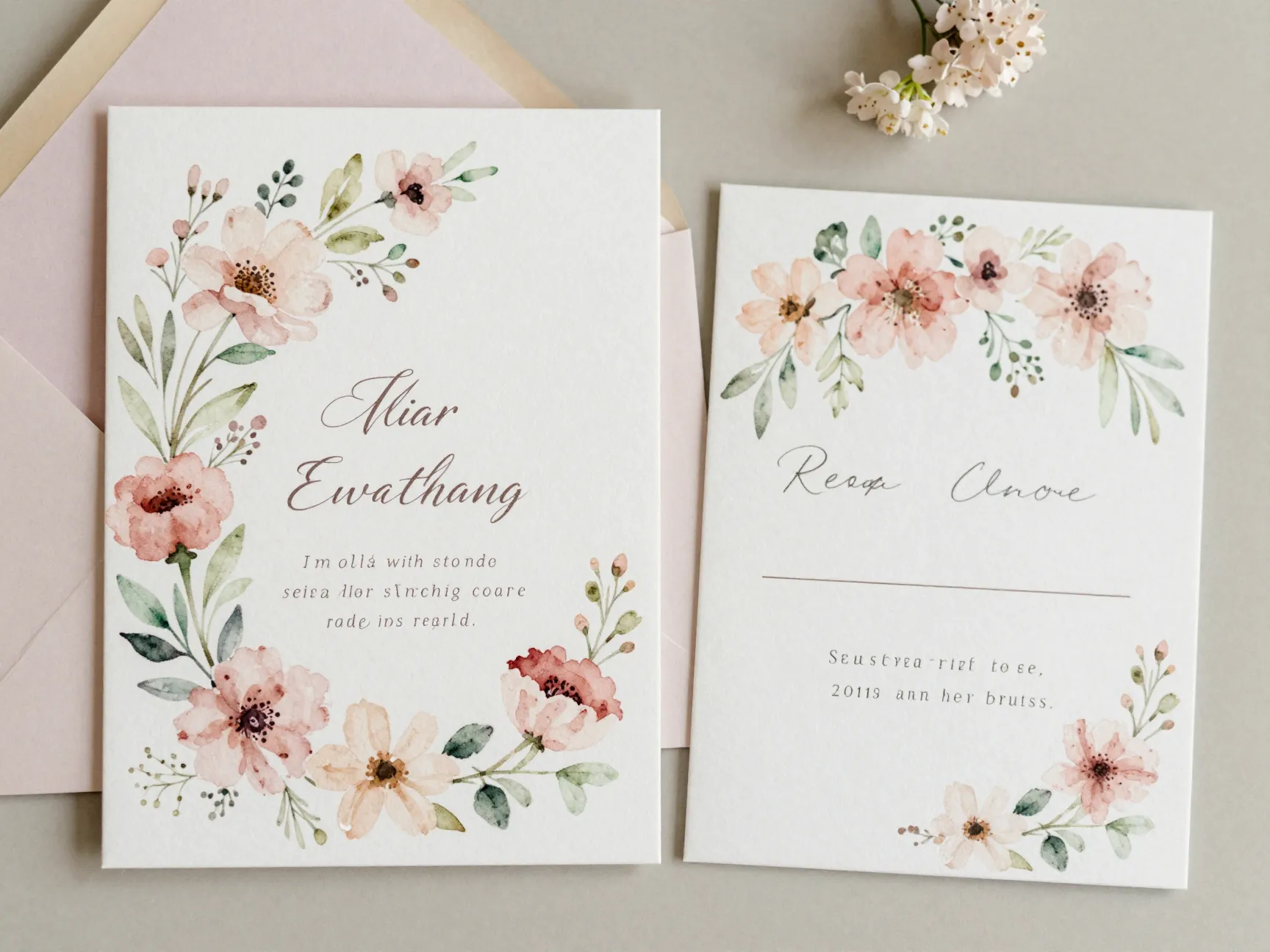
Floral invitations are perennially popular — and for good reason. They’re warm, romantic, and work beautifully across a wide range of wedding sizes and budgets.
Canva’s floral templates typically feature watercolor flowers, botanical illustrations, or pressed-flower aesthetics. Many of these are available on the free plan [1].
Customization ideas:
- Swap default flowers for colors that match your bouquet
- Add a monogram using Canva’s text tool
- Upload your engagement photo as a background element [5]
- Pair with a matching floral RSVP card using the Wedding Invitation Kit Maker [2]
🌸 Pro Tip: Use Canva’s “Magic Resize” feature (available on Pro) to instantly resize your invitation design for matching envelope liners, programs, and menus.
3. Classic Gold Foil Invitation
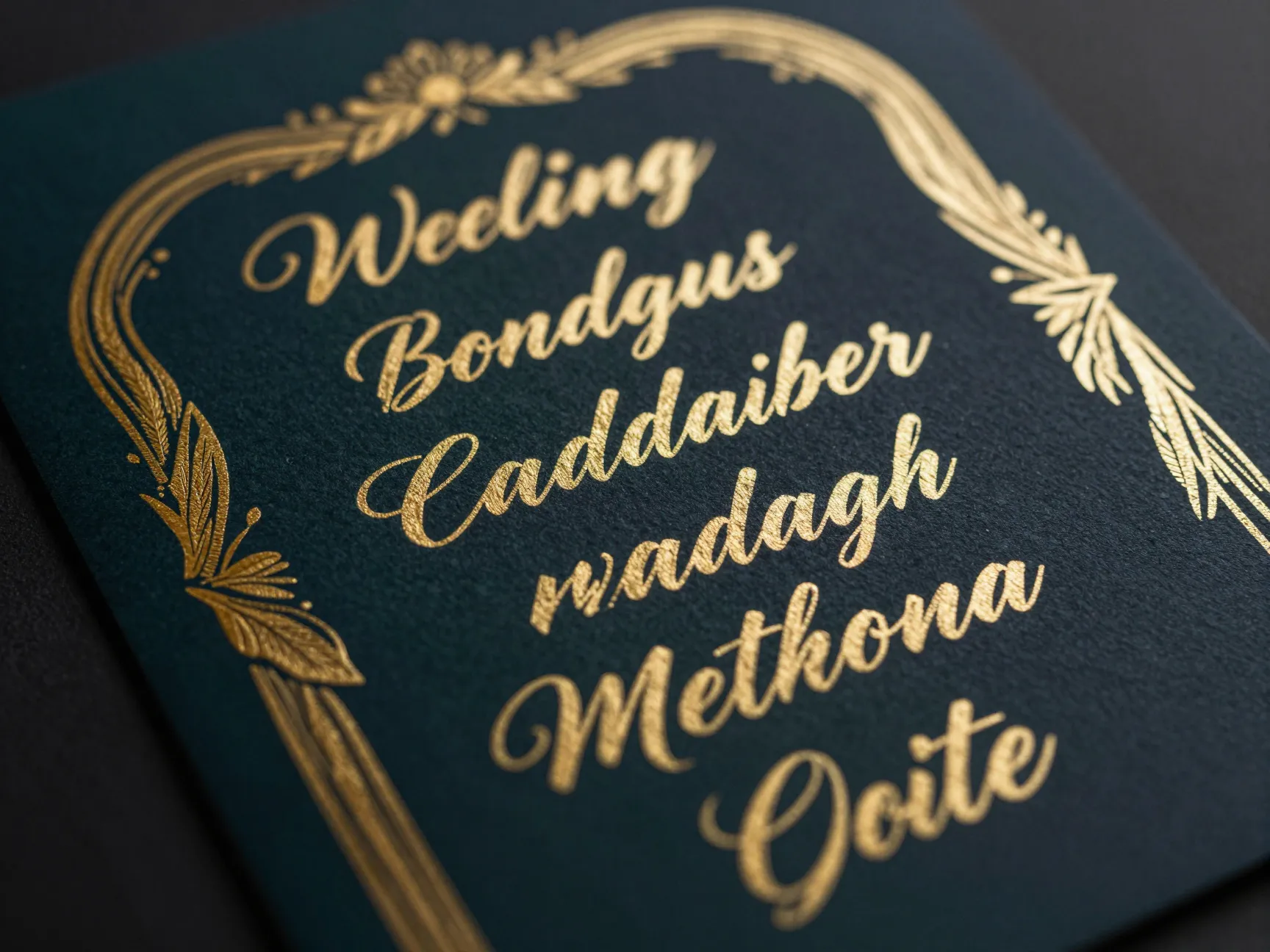
Best for: Black-tie events, ballroom weddings, formal ceremonies
Gold foil invitations signal elegance and formality. While true foil printing requires a professional printer, Canva lets you design the look digitally using gold-toned graphic elements and metallic-style fonts.
How to achieve the gold foil look in Canva:
- Choose templates with gold or champagne color schemes
- Use script fonts with a gold color fill
- Add gold frame or border elements from Canva’s element library
- Set your background to deep navy, forest green, or classic black for maximum contrast
Print tip: Once you’ve designed your gold foil-style invitation in Canva, export it as a high-resolution PDF and send it to a specialty printer who offers foil stamping or thermography services [5].
4. Rustic Bohemian Invitation
Best for: Barn weddings, outdoor ceremonies, boho-chic couples
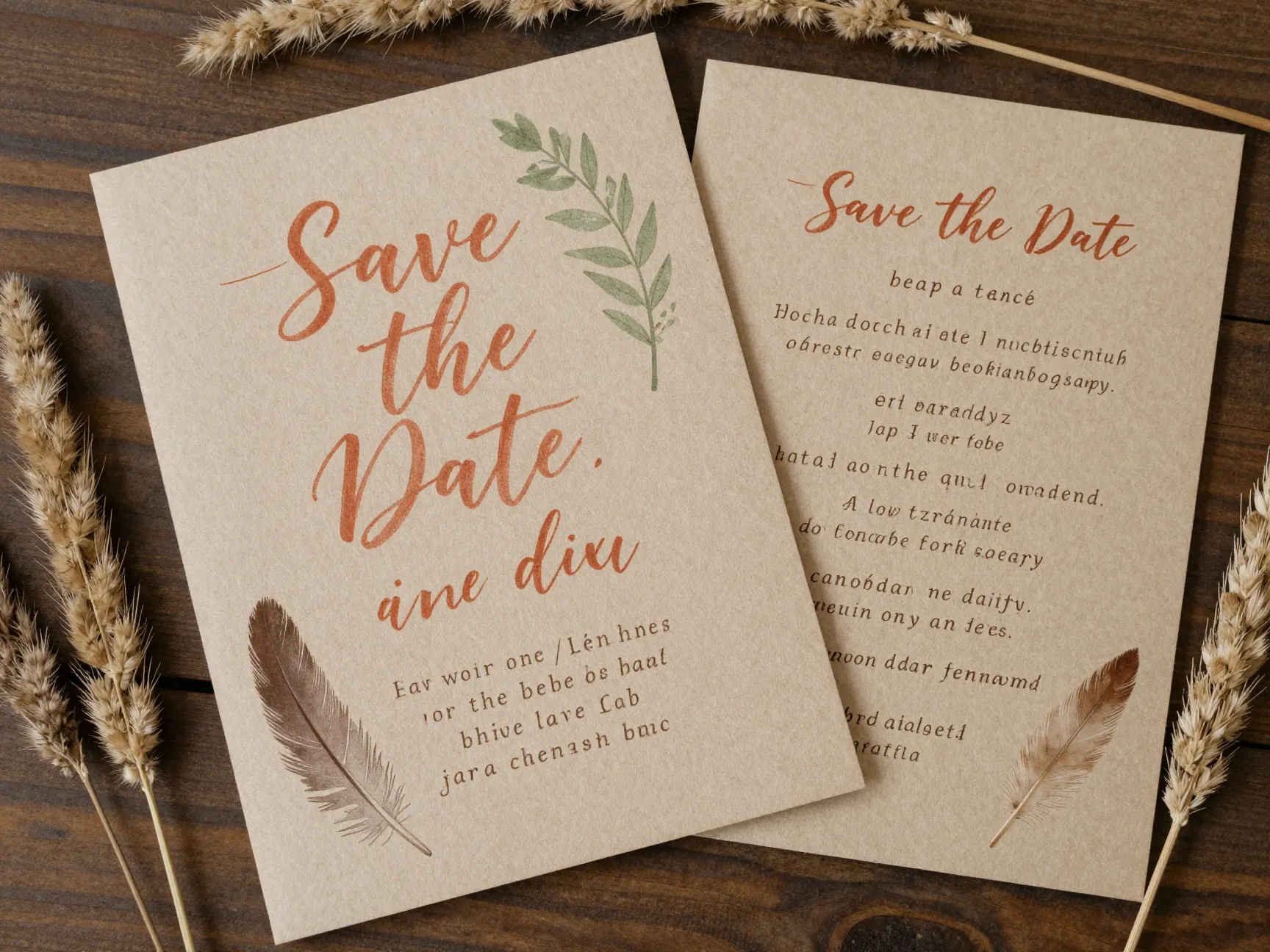
The rustic bohemian style has been a wedding favorite for years, and it shows no signs of slowing down in 2026. This aesthetic combines earthy textures, hand-lettered fonts, and natural elements like feathers, dried grasses, and terracotta tones.
Rustic boho design checklist:
- ✅ Kraft paper or linen-texture backgrounds
- ✅ Hand-lettered or calligraphy-style script fonts
- ✅ Earthy tones: terracotta, sage green, warm beige
- ✅ Illustrated botanical or feather accents
- ✅ Relaxed, asymmetric layout
Canva has a wide range of rustic templates in its free library [1]. Look for designs labeled “boho,” “rustic,” or “earthy” in the search bar.
Pair it with: A matching Save the Date card using Canva’s invitation kit tools, which let you build a cohesive stationery suite from one design [2].
5. Whimsical Illustrated Invitation
Best for: Casual weddings, outdoor festivals, creative couples, destination events
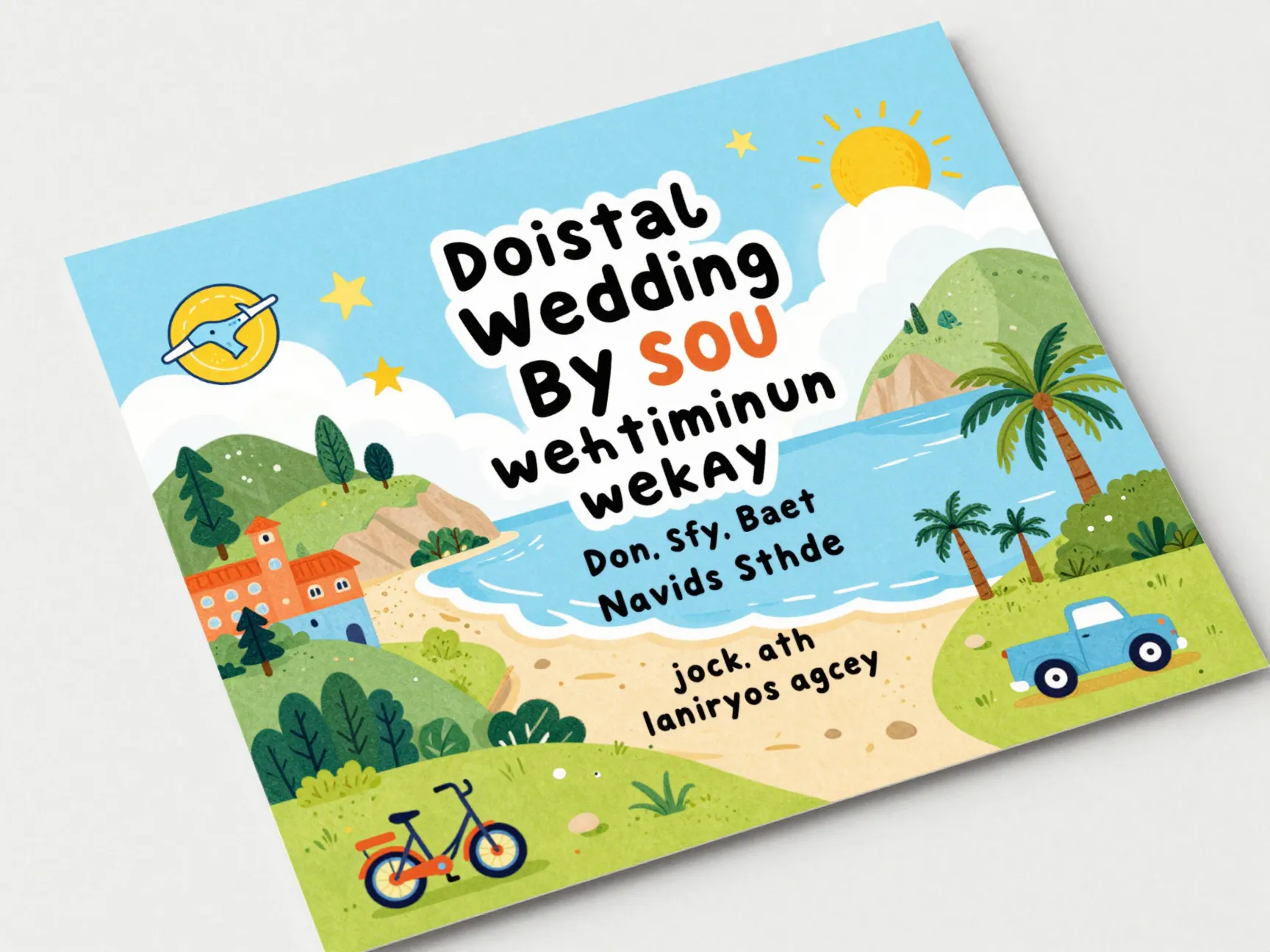
If you and your partner have a playful personality, a whimsical illustrated invitation is a wonderful way to set the tone for your celebration. These designs often feature hand-drawn illustrations, quirky fonts, and unexpected color combinations.
Popular whimsical elements in Canva:
- Illustrated venue or landscape (great for destination weddings)
- Cartoon-style portraits of the couple
- Playful icons like bicycles, hot air balloons, or stars
- Bright, non-traditional color palettes
Design tip: Upload a custom illustration or engagement photo and use Canva’s transparency and layering tools to blend it seamlessly into the template [5].
🎨 Fun idea: Use a whimsical illustrated design for your digital invitation and a more formal design for your printed version. Canva makes it easy to maintain both [3].
6. Virtual Wedding Invitation
Best for: Remote guests, hybrid ceremonies, destination weddings with international attendees
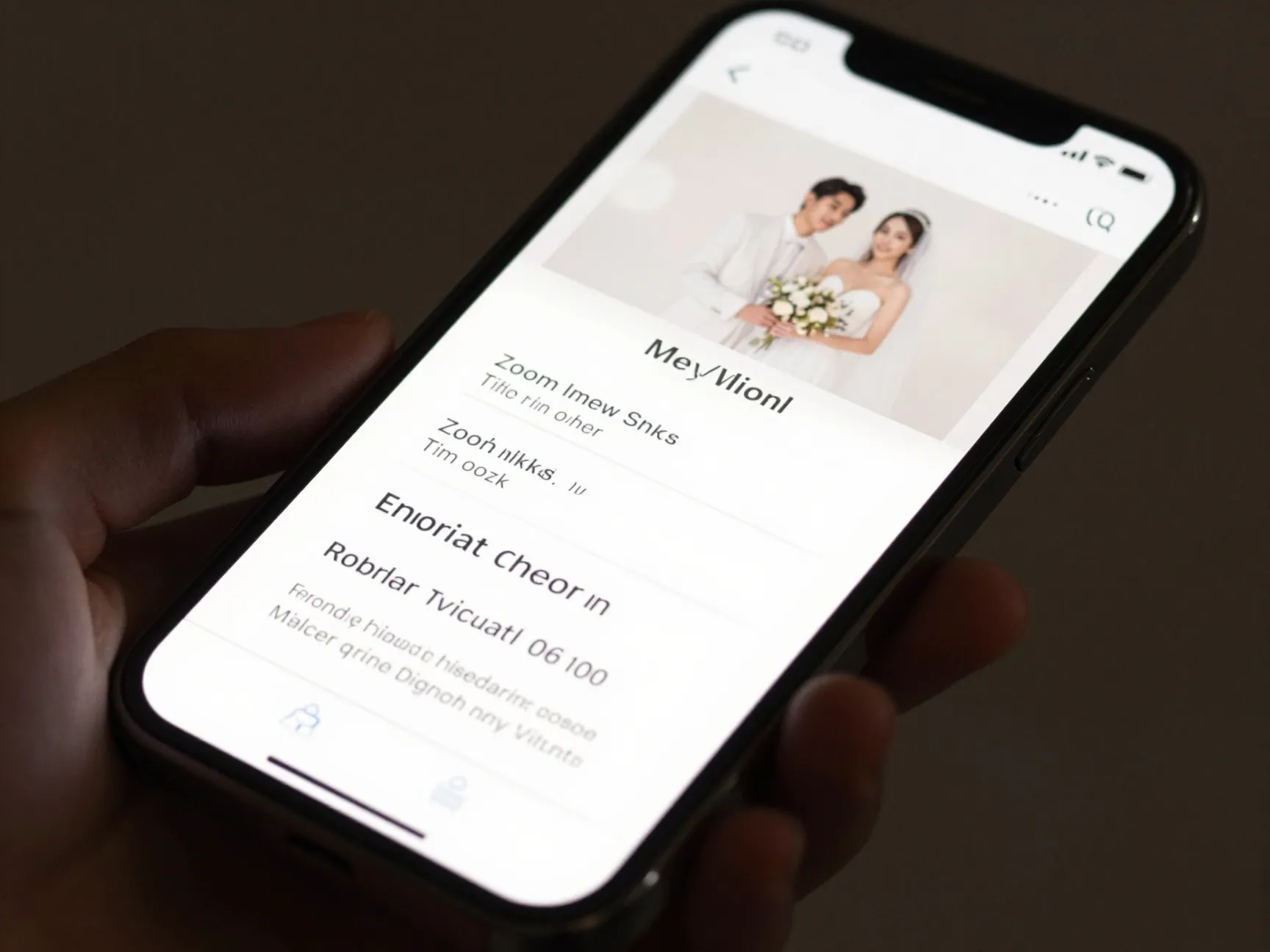
Virtual wedding invitations have become an essential part of modern wedding planning. Whether you’re hosting a fully virtual ceremony or simply want to include guests who can’t travel, Canva’s virtual wedding invitation templates are specifically designed for digital sharing [3].
What makes virtual invitations different:
- Optimized for screen viewing (landscape or square formats)
- Include clickable elements when shared as a link
- Easy to share via email, WhatsApp, or social media
- No printing costs involved
Canva’s virtual invitation features:
- Editable text for Zoom links, streaming details, and time zones
- Animated design options for extra visual impact
- Direct sharing from the Canva platform [3]
Export options: Download as a PNG or JPG for easy digital sharing, or use Canva’s built-in sharing link feature to send directly [5].
7. Elegant Script Invitation
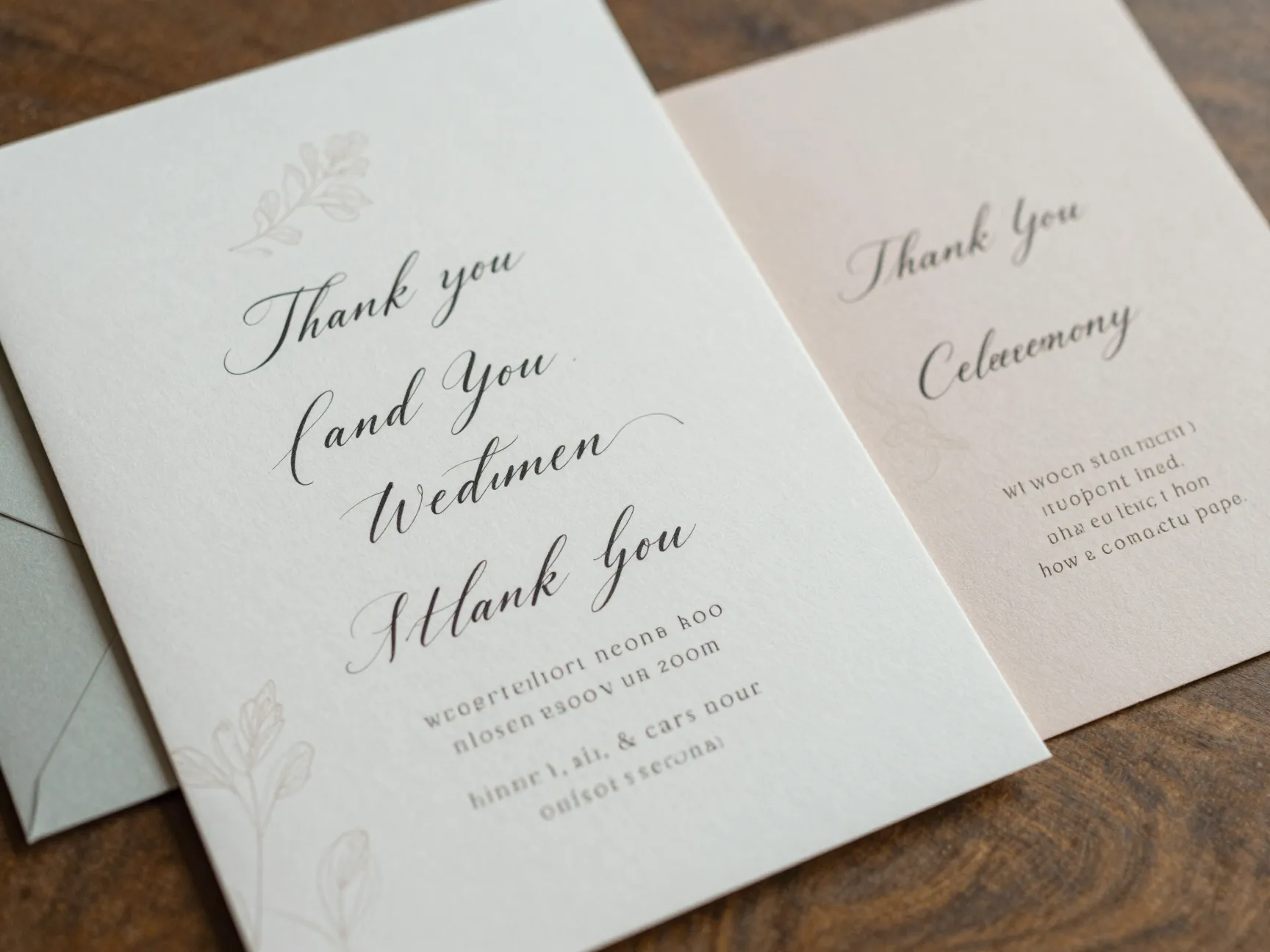
Best for: Classic romantic weddings, church ceremonies, timeless aesthetics
Script invitations never go out of style. They feel personal, romantic, and refined — like a handwritten love letter transformed into a formal announcement.
Key elements of an elegant script design:
- Flowing, connected script fonts for names and key details
- Complementary serif or sans-serif font for secondary text
- Soft color palette: champagne, blush, dusty blue, or sage
- Delicate line illustrations or simple floral accents
Typography tip: In Canva, you can adjust letter spacing and line height to give your script text more breathing room. This small tweak makes a big difference in how polished the final design looks [5].
Pair it with: Matching wedding cards using Canva’s wedding card templates [6], including thank-you cards, ceremony programs, and table numbers — all in the same script style.
8. Destination Wedding Invitation
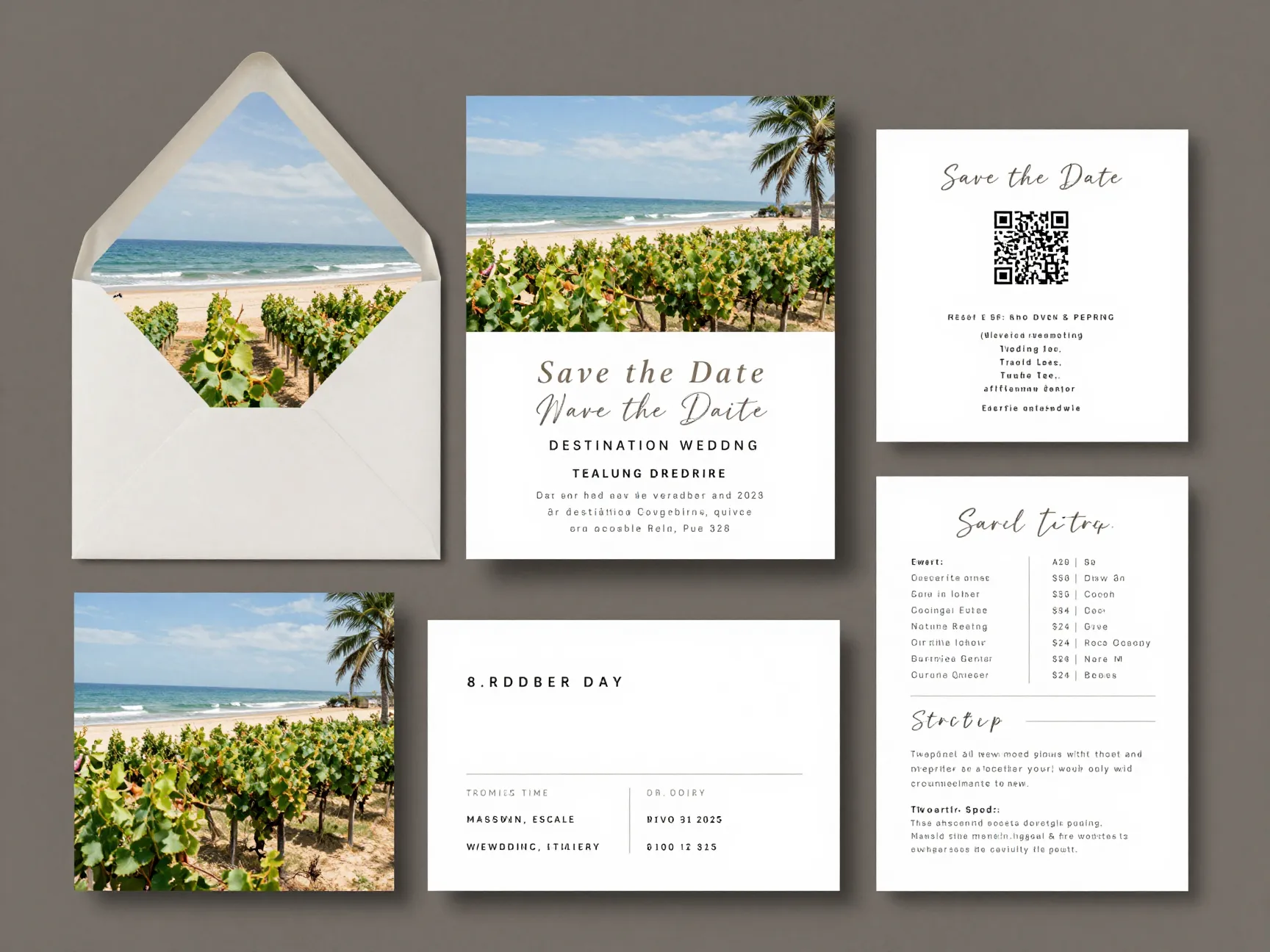
Best for: Beach weddings, international venues, travel-themed celebrations
A destination wedding deserves an invitation that gets guests excited about the journey. These designs typically incorporate travel-inspired elements, venue photography, and practical details like travel tips and accommodation information.
What to include in a destination wedding invitation:
- Venue name and country/city
- Travel and accommodation recommendations
- RSVP deadline (earlier than usual — guests need time to book travel)
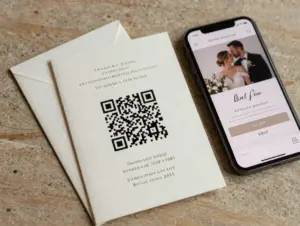
- QR code linking to your wedding website
Canva tip: Use the image upload feature to add a photo of your venue or destination [5]. A beautiful beach or vineyard photo as a background immediately transports guests to your wedding location.
Build a full suite: Use Canva’s Wedding Invitation Kit Maker to create matching Save the Dates, RSVP cards, and even a wedding itinerary — all with the same destination theme [2].
How to Customize Your Canva Wedding Invitation: Step-by-Step
Now that you’ve seen the 8 Canva wedding invitations you can design yourself today, here’s a quick walkthrough of the customization process.
Step 1: Choose Your Template
Go to Canva’s wedding invitation template library [1] and browse by style, color, or theme. Use the search bar to narrow down options (e.g., “rustic floral” or “modern minimalist”).
Step 2: Personalize Your Text
Click on any text element to edit it. Replace placeholder text with your:
- Names
- Date and time
- Venue name and address
- RSVP details and deadline
- Dress code (if applicable)
Step 3: Match Your Colors
Use Canva’s color picker and enter your exact hex codes to match your wedding palette [5]. This ensures your invitations coordinate perfectly with your florals, venue decor, and other stationery.
Step 4: Add Photos or Graphics
Upload your engagement photo or a monogram graphic directly into Canva [5]. Drag and drop it into the design, then adjust size, position, and transparency to your liking.
Step 5: Build Your Full Suite
Use the Wedding Invitation Kit Maker [2] to create matching RSVP cards, Save the Dates, and itineraries. Keeping everything in one cohesive design saves time and looks incredibly polished.
Step 6: Export and Share
Choose your export format based on your needs [5]:
- PDF (Print): Best for sending to a professional printer
- PNG: Best for digital sharing via email or social media
- JPG: Lightweight option for messaging apps
Pro Tips for Making Your Canva Invitations Look Professionally Designed
Even with great templates, a few smart choices can elevate your invitation from “DIY” to “designer-quality.”
1. Stick to two fonts maximum. Mixing too many typefaces creates visual chaos. Choose one script or display font for your names and one clean font for the details.
2. Use alignment guides. Canva’s built-in alignment tools help you center text and graphics perfectly every time.
3. Check contrast for readability. Light text on a light background is hard to read. Use Canva’s contrast adjustment tools to ensure your text is always legible [5].
4. Order a test print. Before printing 100 invitations, order one test print from your local print shop or an online service. Colors on screen can look different on paper.
5. Create a matching digital version. Even if you’re sending printed invitations, create a digital version for virtual guests or for sharing on your wedding website [3].
6. Use the invitation kit for consistency. Canva’s kit maker [2] ensures every piece of your stationery suite — from the envelope liner to the RSVP card — shares the same fonts, colors, and visual style.
Frequently Asked Questions
Is Canva free for wedding invitations?
Yes! Canva’s free plan includes hundreds of wedding invitation templates and all the tools you need to create a polished design [1]. Some premium elements require a Pro subscription, but the free version is more than sufficient for most couples.
Can I print Canva invitations at home?
Absolutely. Export your design as a PDF (Print) for the highest quality, then print at home or at a local print shop [5].
How do I send digital wedding invitations from Canva?
Canva allows you to share designs directly via a link, or you can download as PNG/JPG and send via email or messaging apps. Virtual invitation templates are specifically optimized for digital sharing [3].
Can I create a full wedding stationery suite in Canva?
Yes — the Wedding Invitation Kit Maker lets you build a complete, coordinated suite including invitations, RSVP cards, Save the Dates, and wedding itineraries [2].
Conclusion
Designing your own wedding invitations doesn’t have to be stressful or expensive. With Canva, you have access to beautiful, professionally designed templates that you can fully customize to match your wedding vision — all without any graphic design experience.
We’ve covered 8 Canva wedding invitations you can design yourself today, from sleek modern minimalist designs to romantic florals, rustic boho styles, and destination-themed suites. Each style is fully customizable, print-ready, and available on Canva’s free plan.
Here are your actionable next steps:
- Visit Canva’s wedding invitation template library [1] and browse styles that match your wedding aesthetic.
- Choose one of the 8 styles from this guide as your starting point.
- Customize your colors using hex codes to match your exact wedding palette [5].
- Build a full stationery suite using the Wedding Invitation Kit Maker [2] for a cohesive, polished look.
- Export and share — download as PDF for printing or PNG for digital guests [5].
Your wedding invitations set the tone for your entire celebration. With Canva, you have every tool you need to make that first impression truly unforgettable — and you can start designing right now, today. 💍
References
[1] Templates – https://www.canva.com/wedding-invitations/templates/
[2] Wedding Invitation Kits – https://www.canva.com/create/wedding-invitation-kits/
[3] Wedding – https://www.canva.com/virtual-invitations/templates/wedding/
[4] Templates – https://www.canva.com/invitations/templates/
[5] Watch – https://www.youtube.com/watch?v=tYSb4FvisFI
[6] Wedding – https://www.canva.com/cards/templates/wedding/
[7] Invitations – https://www.canva.com/invitations/
[8] Invitation – https://www.canva.com/cards/templates/invitation/