8 Crucial Tools to Look For in a Wedding Organizer Website
Planning a wedding without the right digital tools is like trying to bake a five-tier cake without a recipe — stressful, messy, and full of costly mistakes. In 2026, couples and professional planners alike are turning to wedding organizer websites to manage hundreds of moving parts from a single screen. But not all platforms are created equal. Knowing the 8 crucial tools to look for in a wedding organizer website can mean the difference between a seamlessly executed celebration and a logistical nightmare. Whether you are a bride-to-be, a groom, or a professional wedding coordinator, this guide will walk you through every feature that truly matters.
Key Takeaways 📌
- All-in-one platforms reduce tool-switching and save hours of planning time each week.
- Guest management and RSVP tracking with household logic are non-negotiable for modern weddings.
- Budget tracking tools built specifically for weddings help prevent overspending before it happens.
- Vendor directories with map-based filtering make finding local suppliers faster and smarter.
- Integrated contracts, payments, and client communication tools are essential for professional planners managing multiple events.
Why the Right Tools on a Wedding Organizer Website Matter More Than Ever
The wedding industry has undergone a dramatic digital transformation. According to industry research, the most competitive planners in 2026 are those who leverage technology to automate repetitive tasks, improve client experience, and reduce human error [5]. Couples now expect their wedding organizer website to do far more than display a checklist — they want a fully connected workspace.
“The best wedding planning platforms don’t just store information — they connect every decision, vendor, and dollar into one intelligent workflow.”
With so many platforms available, it pays to know exactly what separates a good tool from a great one. Let us break down the 8 crucial tools to look for in a wedding organizer website, one by one.
The 8 Crucial Tools to Look For in a Wedding Organizer Website
1. All-in-One Planning Dashboard
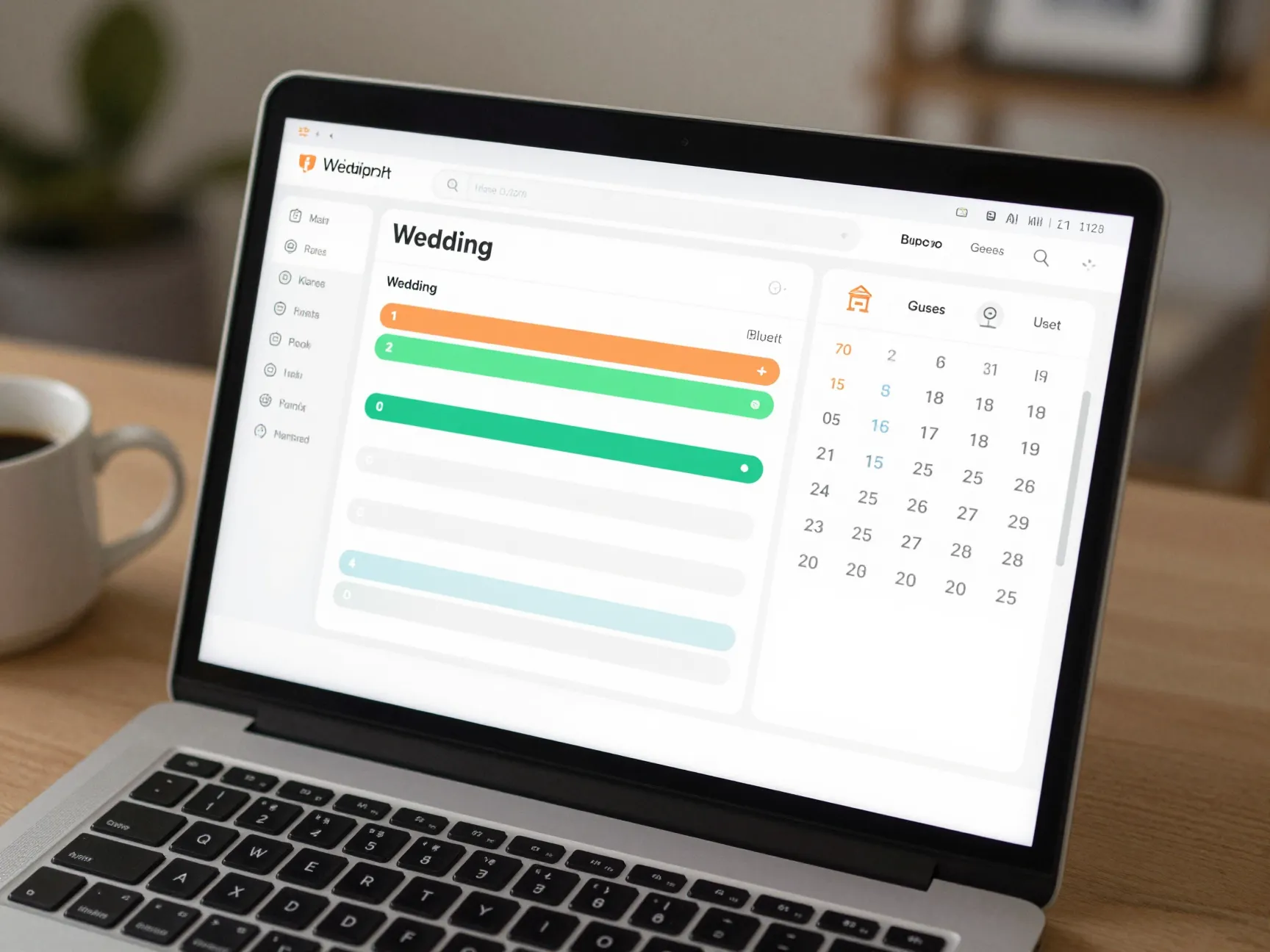
The foundation of any great wedding organizer website is a unified planning dashboard. Leading platforms like The Knot, WeddingWire, and Zola have set the gold standard by combining checklists, vendor directories, and website builders into a single ecosystem [1]. This approach eliminates the frustration of switching between apps and losing track of important details.
A strong dashboard should include:
- A master wedding checklist with deadline reminders
- Progress tracking across all planning categories
- Quick-access links to every other tool on the platform
- A personalized timeline based on your wedding date
Zola, in particular, is praised for seamlessly integrating registry management and wedding planning into one modern user experience [1]. When everything lives in one place, you spend less time searching and more time making meaningful decisions.
What to look for: Choose a platform where the dashboard gives you a bird’s-eye view of your entire wedding plan — budget, guests, vendors, and timeline — without requiring you to log into separate tools.
2. Guest Management and RSVP Tracking
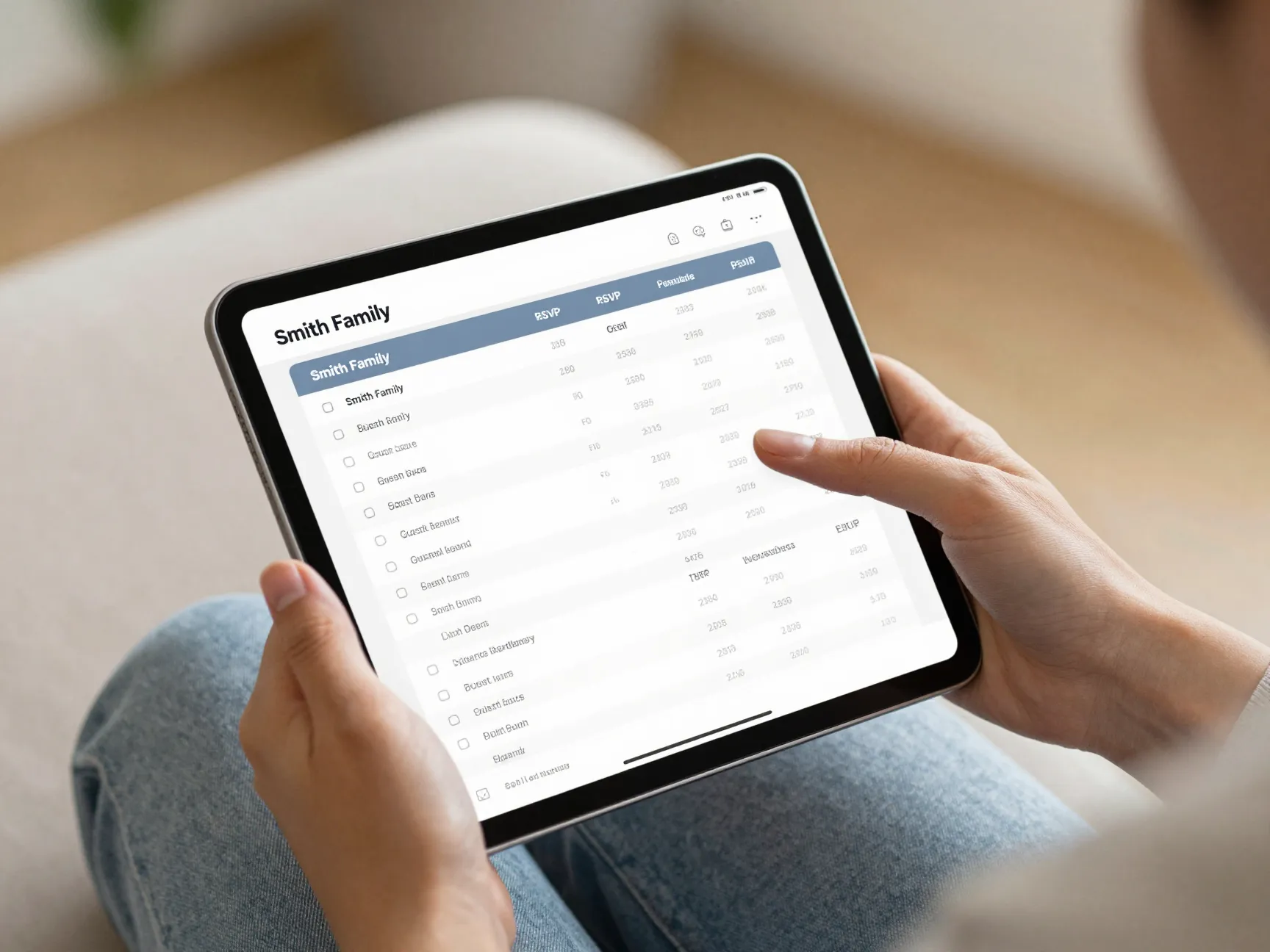
Managing your guest list is one of the most time-consuming parts of wedding planning. A quality wedding organizer website should offer digital guest list management that goes beyond a simple spreadsheet.
One of the most underrated features to look for is “household logic” — the ability to group couples or families so that one RSVP covers the entire household [1]. This small feature saves enormous amounts of confusion when tracking responses.
Platforms like Planning.Wedding and WedSites both offer robust digital guest list management with RSVP tracking stored in one centralized location [2][4]. Key features in this category include:
| Feature | Why It Matters |
|---|---|
| Household grouping | Avoids duplicate RSVPs from couples |
| Meal preference tracking | Simplifies catering coordination |
| Plus-one management | Controls headcount accurately |
| Automated RSVP reminders | Reduces manual follow-up |
| Export to spreadsheet | Easy sharing with caterers and venues |
Pro tip 💡: Look for platforms that allow guests to RSVP directly through a personalized wedding website link — this dramatically increases response rates compared to paper cards.
3. Budget Tracking and Expense Management
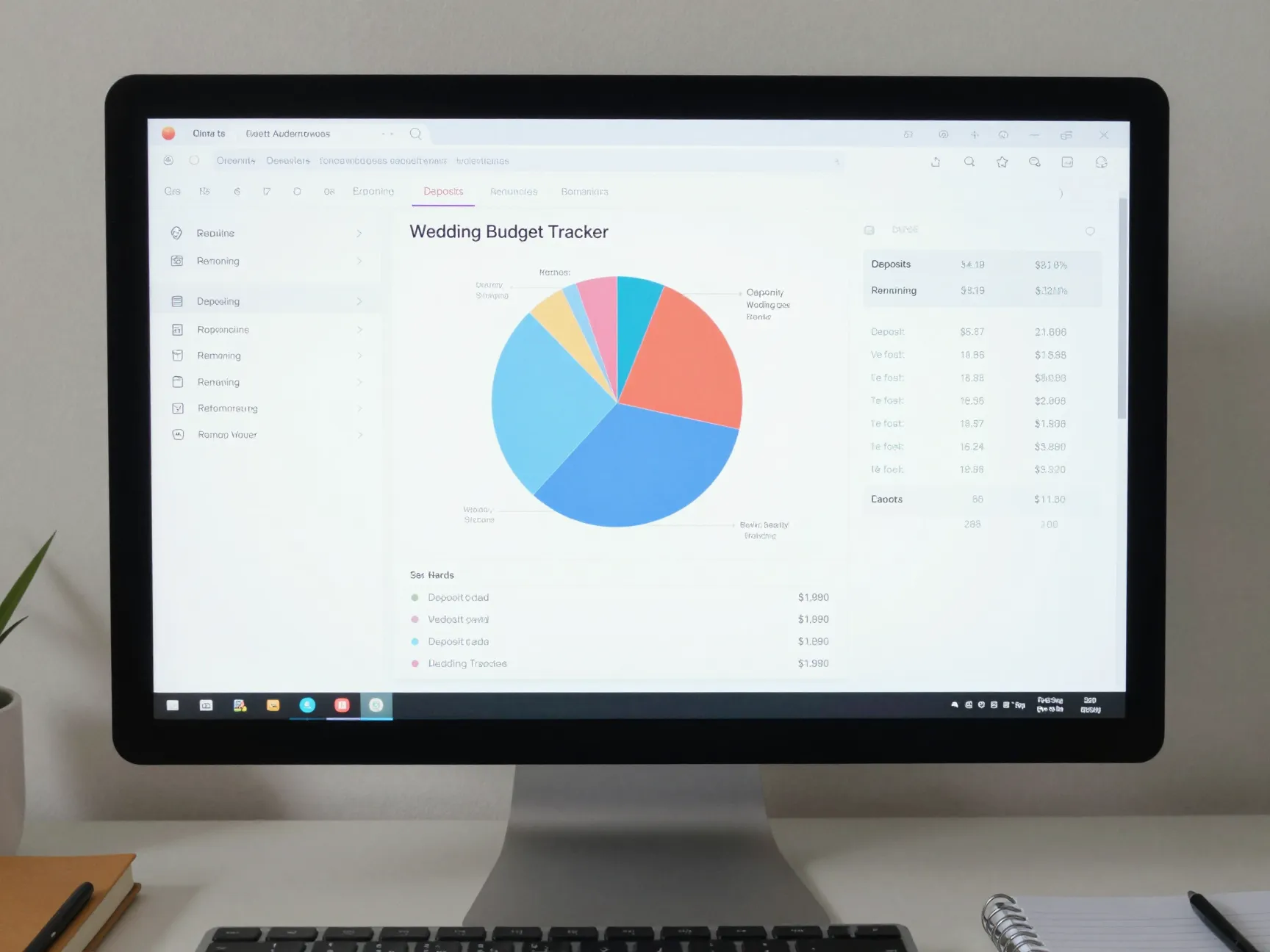
Money is the number one source of wedding stress. A wedding organizer website without a dedicated budget tracking tool is simply incomplete.
The best platforms offer a built-in budget calculator designed specifically for weddings — not a generic finance app repurposed for the occasion. Planning.Wedding, for example, includes a budget calculator built exclusively for wedding expenses [2]. This means the categories, typical cost ranges, and payment milestones are already pre-loaded and relevant.
An ideal wedding budget tool should allow you to:
- Set a total budget and allocate amounts to each category (venue, catering, florals, photography, etc.)
- Track deposits paid versus remaining balances
- Log actual spending against estimated costs
- Generate visual reports showing where money is going
- Send payment reminders for upcoming vendor due dates
Some planners also integrate dedicated tools like YNAB (You Need a Budget) as “The Bank” in their broader planning workflow [1]. However, for most couples, a built-in wedding-specific budget tracker is more intuitive and requires less setup.
“A wedding budget tool that speaks your language — with categories like ‘florals,’ ‘DJ,’ and ‘cake’ — is infinitely more useful than a generic spreadsheet.”
4. Seating Chart and Floor Plan Design
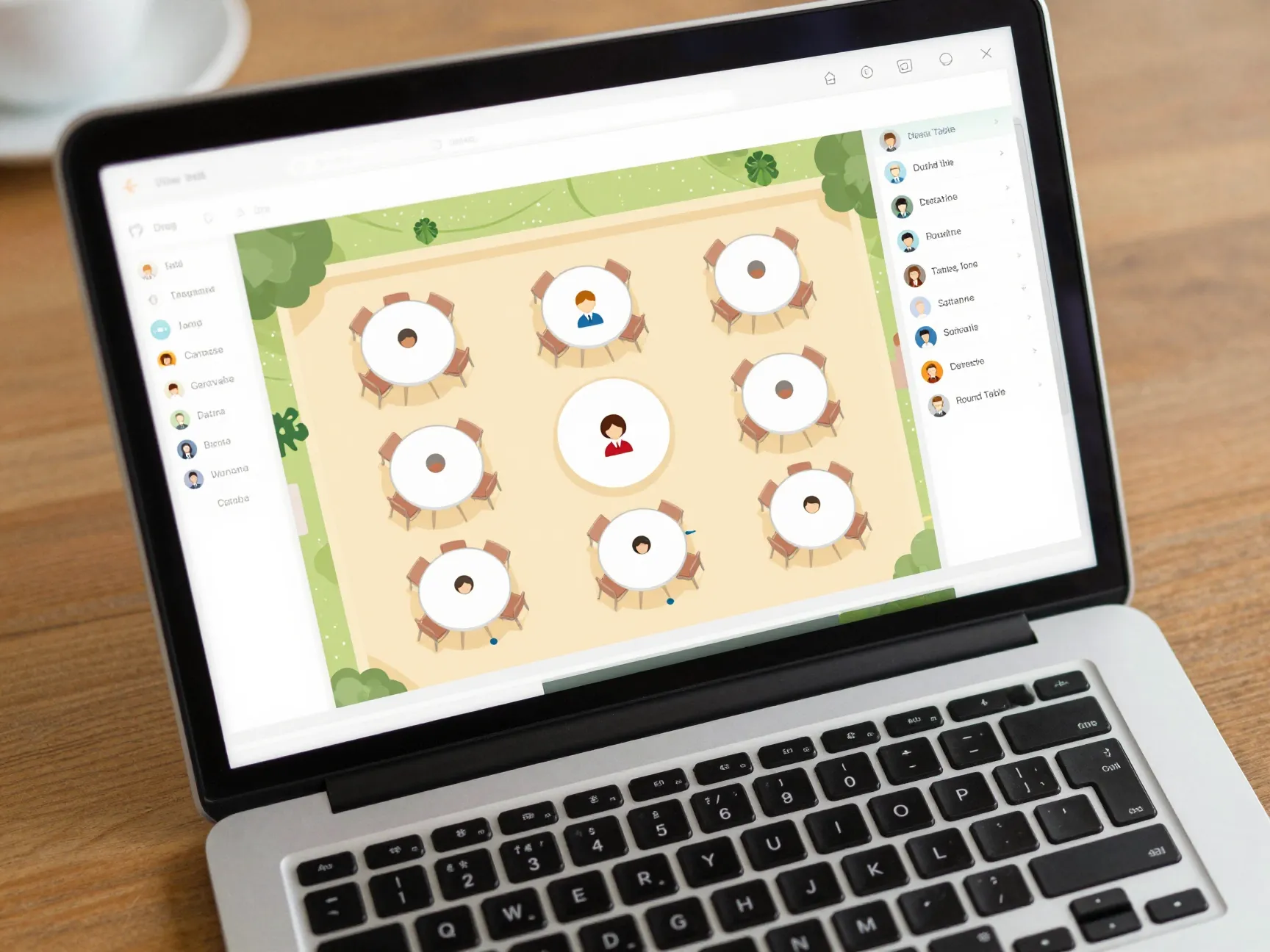
Once your guest list is finalized, the next challenge is figuring out where everyone sits. A drag-and-drop seating chart tool transforms what used to be a paper-and-scissors nightmare into a satisfying digital exercise.
WedSites offers this functionality alongside venue visualization tools, allowing couples to map out their floor plan and assign guests to tables with simple drag-and-drop interactions [4]. The best seating chart tools also sync directly with your guest list, so when a guest cancels, their seat is automatically freed.
Look for these features in a seating chart tool:
- Drag-and-drop interface for easy rearrangement
- Multiple table shapes (round, rectangular, sweetheart)
- Guest relationship tagging to avoid awkward seating combinations
- Venue floor plan upload so the layout matches reality
- Printable output for day-of coordination
This tool is especially valuable for large weddings with 150+ guests, where manual seating arrangements can take days without digital assistance.
5. Wedding Day Timeline and Run-of-Show Creation
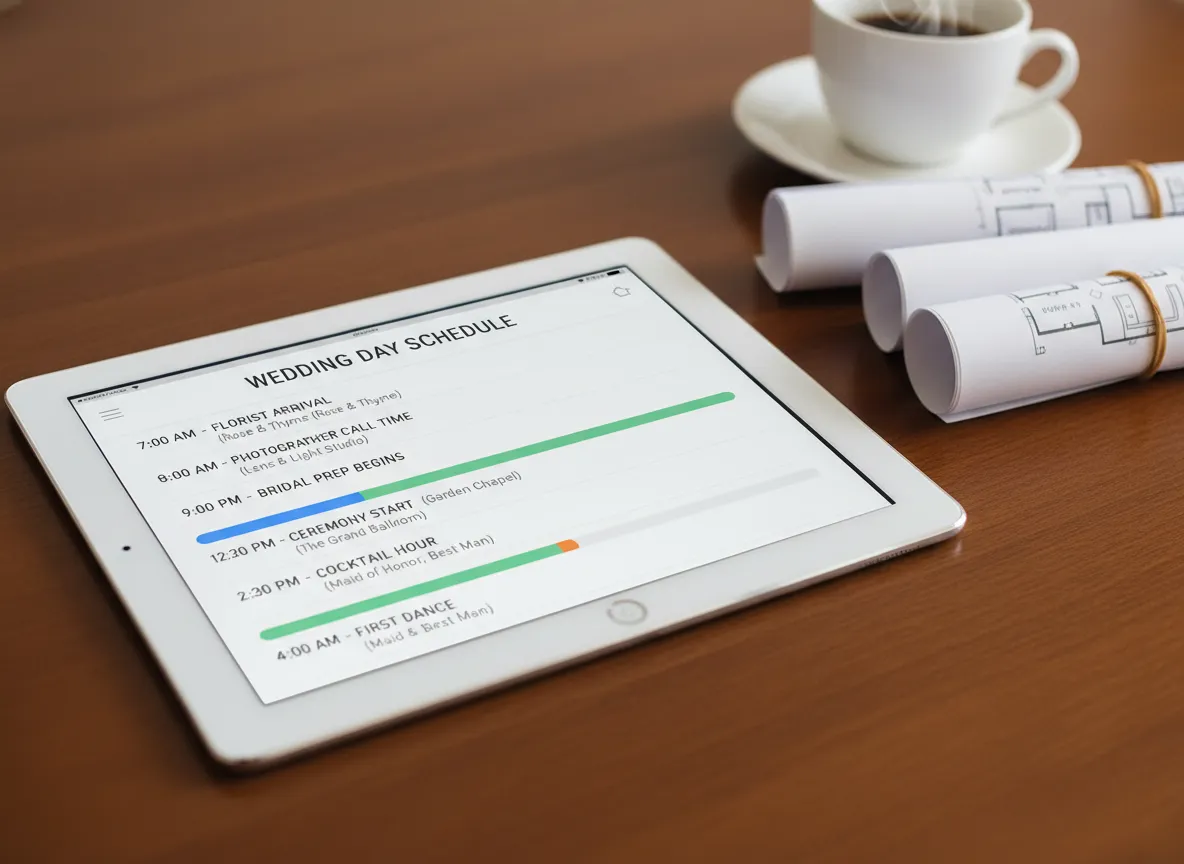
A beautiful venue and talented vendors mean nothing if the day runs behind schedule. The wedding day timeline tool is one of the most critical — and most overlooked — features on a wedding organizer website.
Specialized tools like Timeline Genius are built specifically for creating customized run-of-show schedules [3]. These tools allow planners to:
- Set exact vendor load-in and setup times
- Build client-ready and vendor-ready versions of the same timeline
- Account for travel time between multiple locations
- Automatically adjust downstream times when one item shifts
- Share the timeline digitally with all vendors simultaneously
This is particularly critical for complex weddings involving multiple locations, such as a ceremony at a church followed by a reception at a separate venue [3]. A single delay — say, the florist arriving 20 minutes late — can cascade into a 45-minute setback if the timeline is not carefully managed.
What separates great timeline tools from basic ones:
| Basic Timeline Tool | Advanced Timeline Tool |
|---|---|
| Simple time list | Auto-adjusting cascade logic |
| One version for everyone | Separate vendor and client views |
| Manual updates only | Shareable and real-time editable |
| No location tracking | Multi-venue travel time included |
6. Vendor Directory and Discovery System
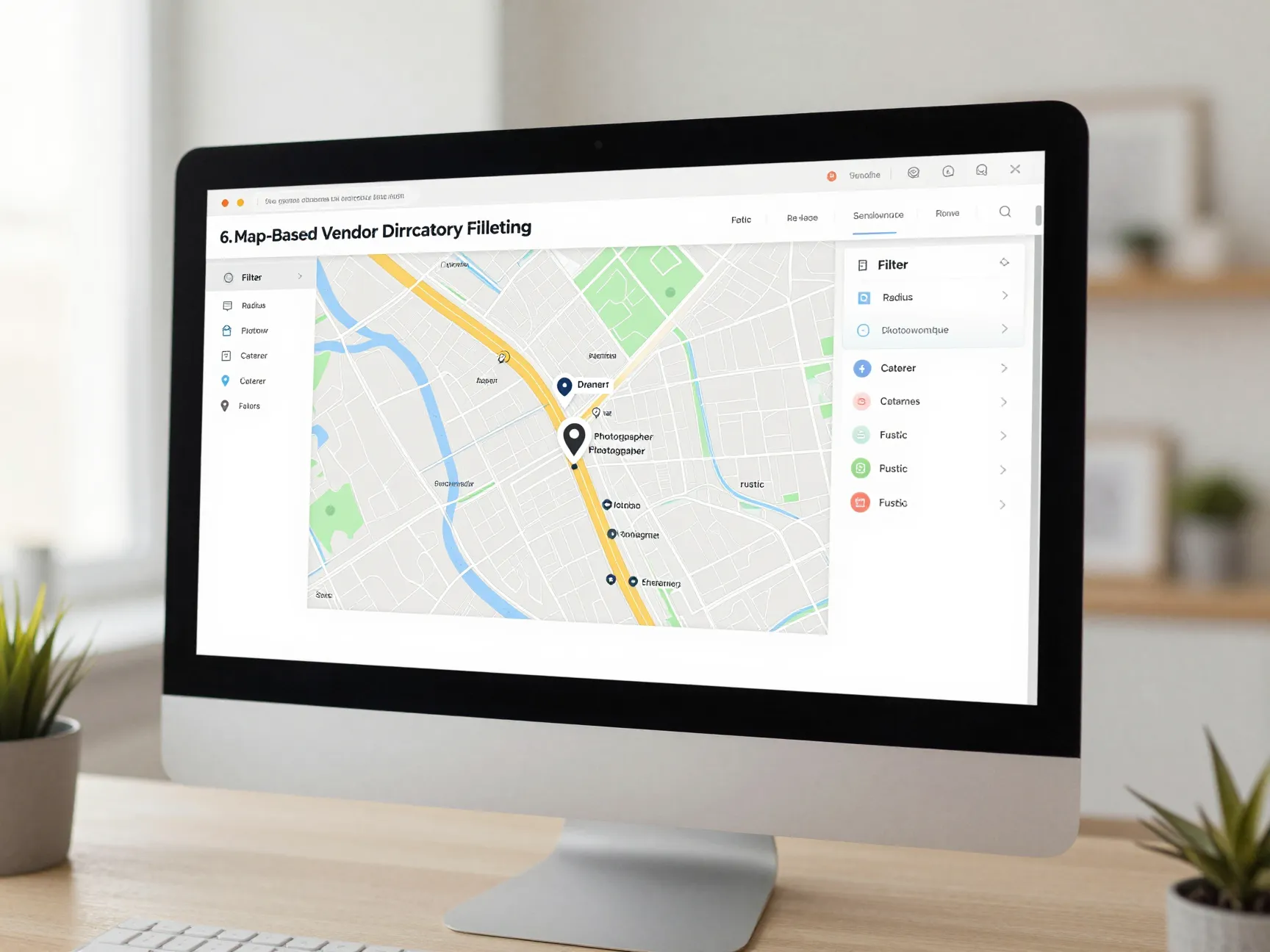
Finding the right vendors — photographer, caterer, florist, DJ — is one of the most exciting but overwhelming parts of wedding planning. A vendor directory and discovery system built into your wedding organizer website can dramatically simplify this process.
WeddingWire and The Knot maintain the largest vendor databases available, with filtering options by location, price range, venue type, and specialty [1]. These directories include verified reviews, portfolio galleries, and direct messaging features so couples can reach out without leaving the platform.
An emerging innovation worth noting is map-based vendor discovery, used by tools like Your Wedding Atlas, which helps couples find vendors geographically to minimize guest travel time [1]. This is especially useful for destination weddings or multi-venue events.
Key filtering capabilities to look for:
- Location radius search
- Price range or budget tier
- Availability calendar check
- Style or aesthetic tags (rustic, modern, bohemian)
- Verified reviews and ratings
- Portfolio photo gallery
- Direct in-platform messaging
A strong vendor directory saves hours of Google searching and gives couples confidence that the vendors they find are vetted and reliable.
7. Integrated Proposal, Contract, and Payment Management
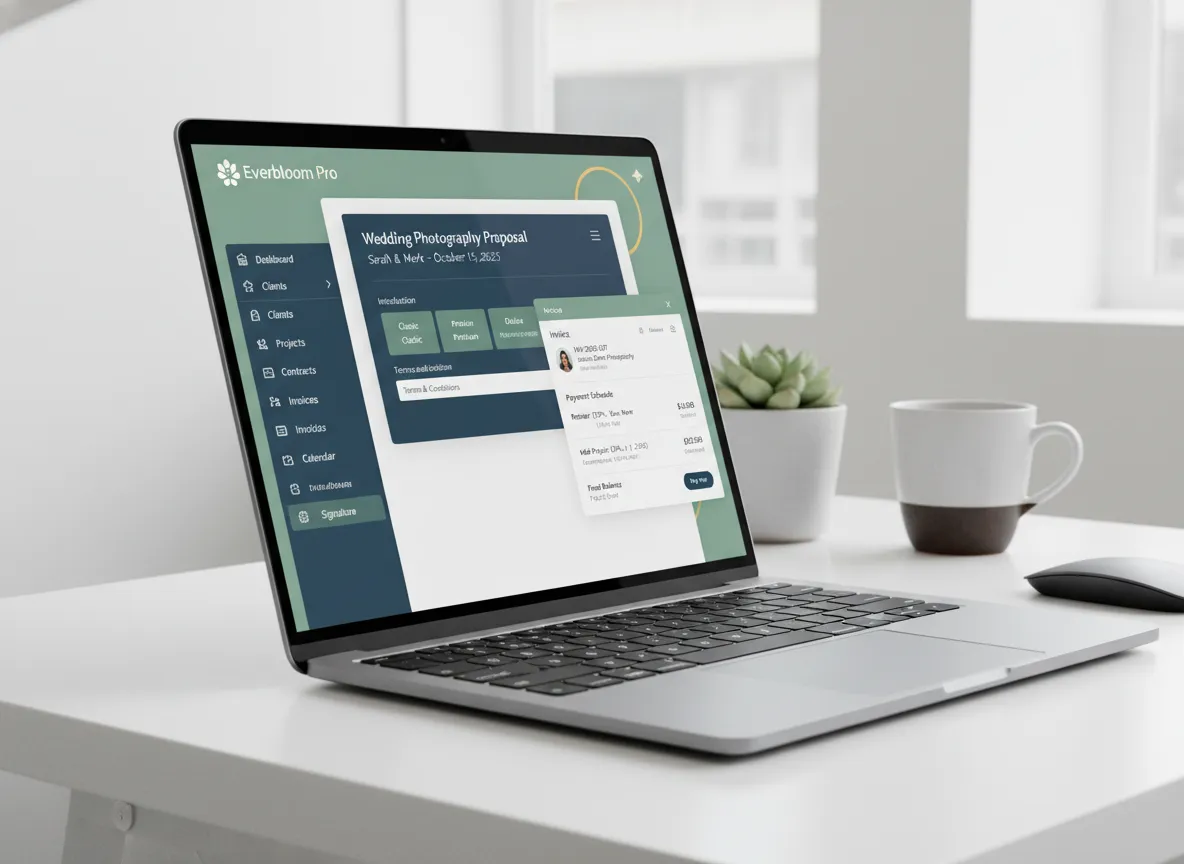
This tool is primarily aimed at professional wedding planners who manage multiple clients simultaneously, but couples working directly with vendors will also benefit from understanding it.
HoneyBook is the gold standard for this category, handling the entire pipeline from lead capture through proposals, contracts, invoices, and final payments — all in one place [3]. The platform uses automations to reduce email back-and-forth and ensures nothing falls through the cracks.
For a wedding organizer website serving professional planners, integrated business management tools should cover:
- Lead capture forms embedded on the planner’s website
- Customizable proposal templates with service packages
- E-signature contracts that are legally binding
- Automated invoice generation tied to contract milestones
- Payment processing with multiple options (credit card, bank transfer)
- Automated follow-up reminders for unsigned contracts or unpaid invoices
“When your contract, invoice, and payment all live in the same thread as your initial inquiry, you eliminate the single biggest source of client confusion in the wedding industry.”
The automation capabilities of platforms like HoneyBook mean that a planner can send a proposal, receive a signed contract, and collect a deposit — all without sending a single manual email [3]. For planners managing five or more weddings per year, this level of efficiency is not a luxury; it is a necessity.
8. Client-Facing Communication and Visual Feedback Tools
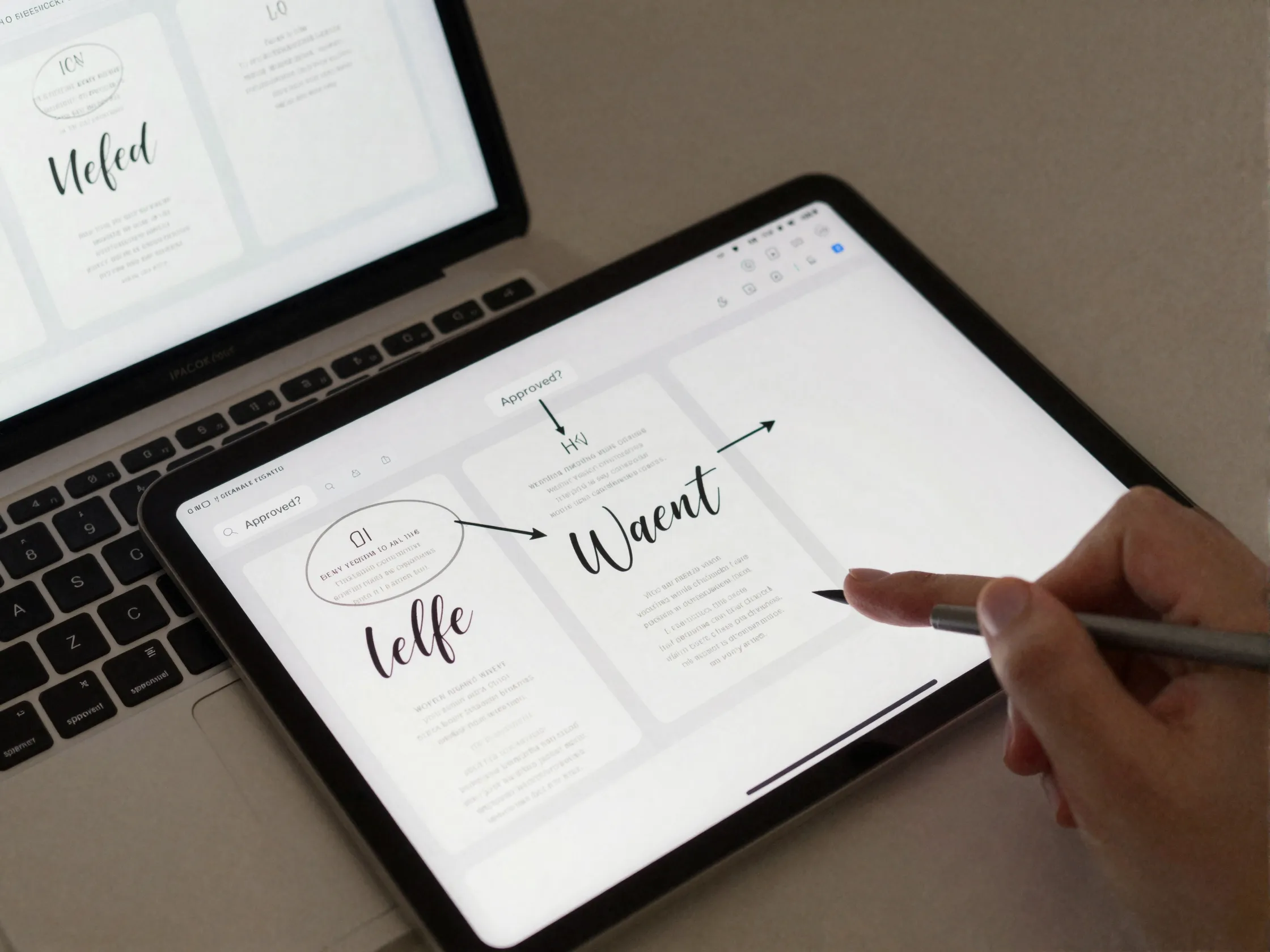
The final tool on our list of the 8 crucial tools to look for in a wedding organizer website is one that many platforms overlook entirely: structured client communication with visual feedback capabilities.
Wedding planning involves hundreds of micro-decisions — centerpiece colors, invitation font choices, cake design options, floor plan layouts. Each decision requires client approval, and managing this through email threads quickly becomes chaotic.
Tools like Xnapper specialize in annotated screenshots and fast client approvals for wedding-specific decisions [3]. Instead of sending a lengthy email describing what needs to change, planners can screenshot a design, draw directly on it, and send it to the client for a quick yes or no response.
For a wedding organizer website, look for communication tools that offer:
- Centralized messaging so all conversations are in one place
- Visual annotation for design and layout feedback
- Approval workflows with clear status tracking (pending, approved, revision requested)
- File sharing for contracts, mood boards, and vendor proposals
- Notification settings so clients and planners stay in sync without constant email checking
Platforms like WedSites also offer dedicated client portals where couples can log in, view their planning progress, and communicate with their planner in a structured environment [4]. This reduces the “lost in my inbox” problem that plagues so many planning relationships.
How to Evaluate a Wedding Organizer Website: A Quick Checklist
Before committing to any platform, run through this quick evaluation checklist:
✅ Does it offer an all-in-one dashboard with a master checklist?
✅ Does it include household-level RSVP tracking?
✅ Is there a wedding-specific budget calculator built in?
✅ Can you build a seating chart with drag-and-drop functionality?
✅ Does it support detailed day-of timeline creation?
✅ Is there a searchable vendor directory with reviews?
✅ Does it handle contracts, invoices, and payments in one place?
✅ Can clients give visual feedback without switching to email?
If a platform checks all eight boxes, it is worth serious consideration. If it misses more than two or three, you may find yourself supplementing with additional tools — which defeats the purpose of using an organizer website in the first place.
Top Platforms That Cover These 8 Crucial Tools
Here is a quick comparison of how leading platforms stack up across the 8 crucial tools to look for in a wedding organizer website:
| Platform | Dashboard | Guest Mgmt | Budget | Seating | Timeline | Vendors | Contracts | Communication |
|---|---|---|---|---|---|---|---|---|
| The Knot | ✅ | ✅ | ✅ | ✅ | ⚠️ | ✅ | ❌ | ✅ |
| Zola | ✅ | ✅ | ✅ | ✅ | ⚠️ | ✅ | ❌ | ✅ |
| WedSites | ✅ | ✅ | ⚠️ | ✅ | ⚠️ | ⚠️ | ❌ | ✅ |
| Planning.Wedding | ✅ | ✅ | ✅ | ⚠️ | ⚠️ | ✅ | ❌ | ✅ |
| HoneyBook | ✅ | ❌ | ⚠️ | ❌ | ⚠️ | ❌ | ✅ | ✅ |
✅ = Full feature | ⚠️ = Partial feature | ❌ = Not available
As you can see, no single platform covers every tool perfectly. Many professional planners use a combination — for example, The Knot or Zola for couple-facing planning, HoneyBook for business management, and Timeline Genius for day-of scheduling [1][3].
Conclusion: Choose Your Tools Wisely 🎯
Planning a wedding is one of the most complex personal projects most people will ever undertake. The right wedding organizer website does not just organize information — it actively reduces stress, saves time, and helps you make better decisions.
To recap, the 8 crucial tools to look for in a wedding organizer website are:
- All-in-one planning dashboard
- Guest management and RSVP tracking
- Budget tracking and expense management
- Seating chart and floor plan design
- Wedding day timeline and run-of-show creation
- Vendor directory and discovery system
- Integrated proposal, contract, and payment management
- Client-facing communication and visual feedback tools
Your actionable next steps:
- Audit your current tools. List every app, spreadsheet, and platform you are currently using for wedding planning.
- Identify your biggest pain points. Is it budget tracking? Guest RSVPs? Vendor communication? Prioritize the tools that solve your most pressing problems first.
- Test two or three platforms. Most leading wedding organizer websites offer free trials or free tiers. Use them before committing.
- Consider your role. Couples and professional planners have different needs — choose a platform that matches your specific use case.
- Do not over-tool. One great all-in-one platform is almost always better than six mediocre specialized apps stitched together.
The perfect wedding is built on thousands of small, well-managed decisions. With the right digital tools in your corner, you can focus less on logistics and more on the moments that truly matter. 💍
References
[1] Ultimate Wedding Planning Tools 2026 – https://www.venuepreview.com/blog/ultimate-wedding-planning-tools-2026/
[2] planning.wedding – https://planning.wedding
[3] Tools For Wedding Planners 2026 – https://xnapper.com/blog/tools-for-wedding-planners-2026
[4] 8 Of The Best Wedding Planning Websites And Apps For Couples In 2026 – https://blog.wedsites.com/8-of-the-best-wedding-planning-websites-and-apps-for-couples-in-2026/
[5] The Tech Shift In Wedding Planning Tools You Ll Need To Stay Competitive In 2026 – https://www.catersource.com/tools-technology/the-tech-shift-in-wedding-planning-tools-you-ll-need-to-stay-competitive-in-2026