8 Effortless Save the Date Templates for Email That Guests Love
Imagine sending one email and having every guest immediately block off their calendar — no follow-up texts, no “wait, when was that again?” That kind of response is possible when you use the right save the date email template. In 2026, digital save the dates have become the gold standard for weddings, corporate events, webinars, and birthday parties alike. Yet most people still send plain, forgettable messages that get buried in crowded inboxes. That ends today. This guide walks you through 8 Effortless Save the Date Templates for Email That Guests Love, complete with design tips, subject line strategies, and real-world examples so your next event announcement lands with impact.
Disclosure: This post contains affiliate links. As an Amazon Associate, we earn from qualifying purchases, and at no extra cost to you.
Key Takeaways
- 📧 Subject lines matter more than you think — a clear, specific subject like “Save the Date: [Event Name] — [Date]” dramatically improves open rates [3]
- 📱 Mobile-responsive design is non-negotiable — the majority of guests will open your email on a phone [4]
- ⏳ Countdown timers and interactive elements boost engagement and urgency for RSVPs [5]
- 🎨 You don’t need coding skills — tools like Canva, Mailmeteor, and Unlayer make beautiful templates accessible to everyone [1][3]
- 📅 Specific date formatting wins — always write out the full date, time, and time zone rather than vague phrases [4]
Why Save the Date Emails Outperform Physical Cards in 2026
Before diving into the templates themselves, it helps to understand why digital save the dates have taken over. Physical cards are charming, but they come with printing costs, postage delays, and zero tracking. Email, on the other hand, gives you open rates, click data, and instant delivery.
“A well-crafted save the date email is not just a reminder — it’s the first impression of your entire event.”
In 2026, the trend has shifted decisively toward interactive digital experiences — think embedded videos, animated graphics, and direct links to event websites — replacing the static e-card format that dominated just a few years ago [10]. Guests now expect something that feels personal and polished, even when it arrives in their inbox.
Here is a quick comparison of physical vs. digital save the dates:
| Feature | Physical Card | Email Template |
|---|---|---|
| Delivery Speed | Days to weeks | Instant |
| Cost | $2–$5 per card + postage | Free to low cost |
| Tracking | None | Open & click rates |
| Interactive Elements | None | Video, links, timers |
| Easy to Update | No | Yes |
| Eco-Friendly | No | Yes ✅ |
The numbers make a compelling case. Let’s get into the templates.
8 Effortless Save the Date Templates for Email That Guests Love
Each template below is designed for a specific event type. I’ve included the key elements, tone, and formatting tips for each one so you can adapt it quickly — whether you’re planning a wedding, a conference, or a birthday bash.
1. The Classic Wedding Save the Date
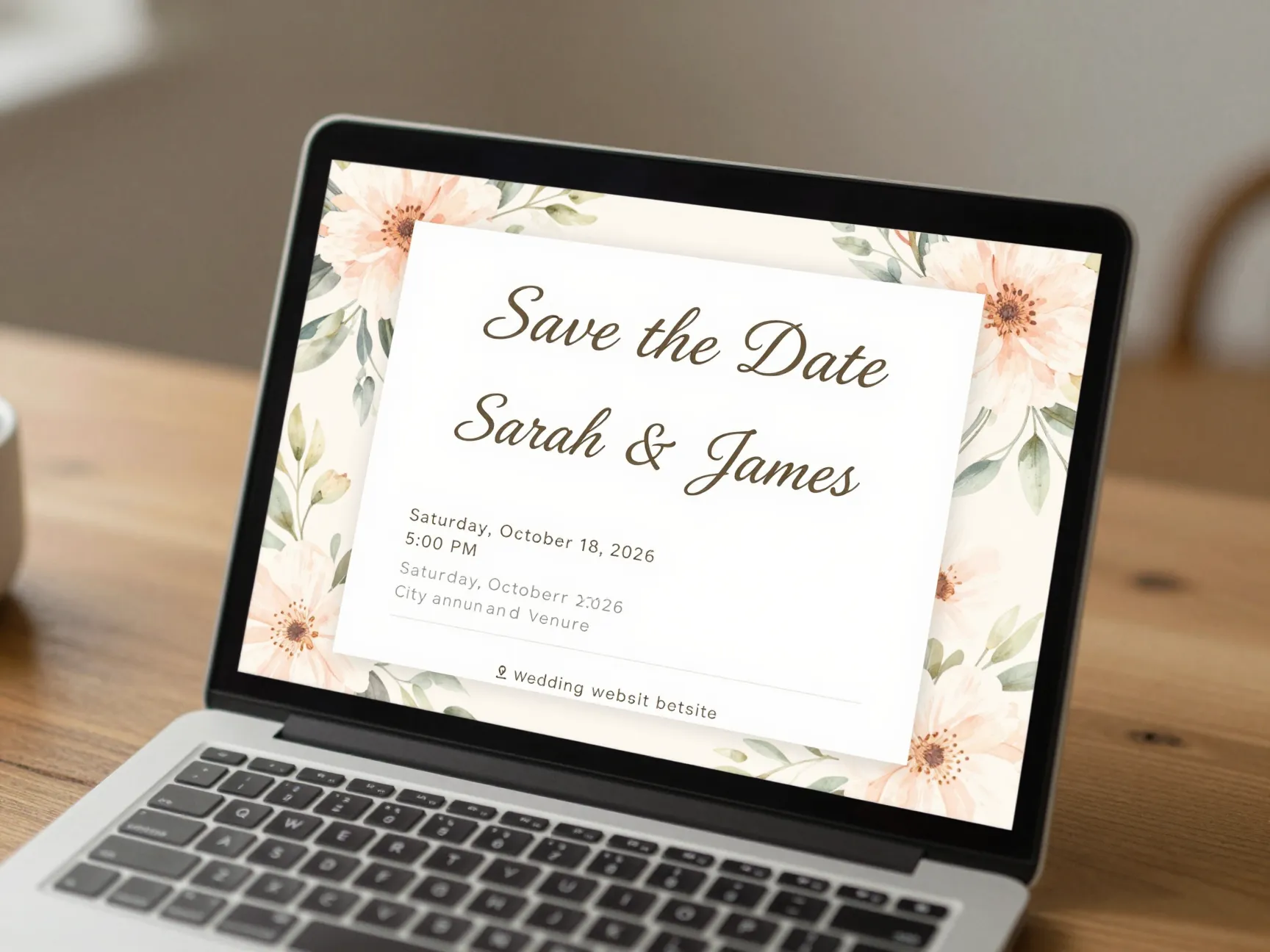
Best for: Couples who want an elegant, timeless announcement
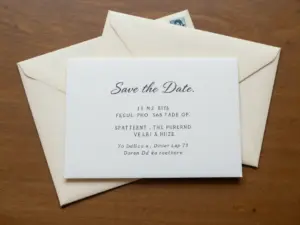
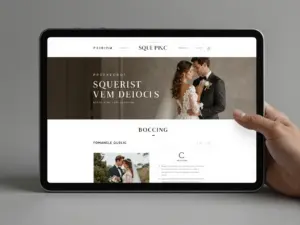
The classic wedding template keeps things simple and beautiful. It leads with the couple’s names in a large, stylish font, followed by the date, city, and a short note asking guests to mark their calendars. No clutter, no confusion.
Must-have elements:
- Couple’s full names (or first names for informal weddings)
- Full date: e.g., Saturday, October 18, 2026, at 5:00 PM
- City and venue name (venue details can come later in the formal invite)
- A link to your wedding website for more details
- A soft, romantic background image or floral design
💡 Pro Tip: Use a subject line like “Save the Date: Sarah & James Are Getting Married — October 18, 2026” to maximize inbox visibility [3].
Canva offers free wedding save the date design options that integrate directly into email without any coding [1]. Pair that with a tool like Mailmeteor or GMass to send personalized versions to your entire guest list at once.
2. The Corporate Conference Template
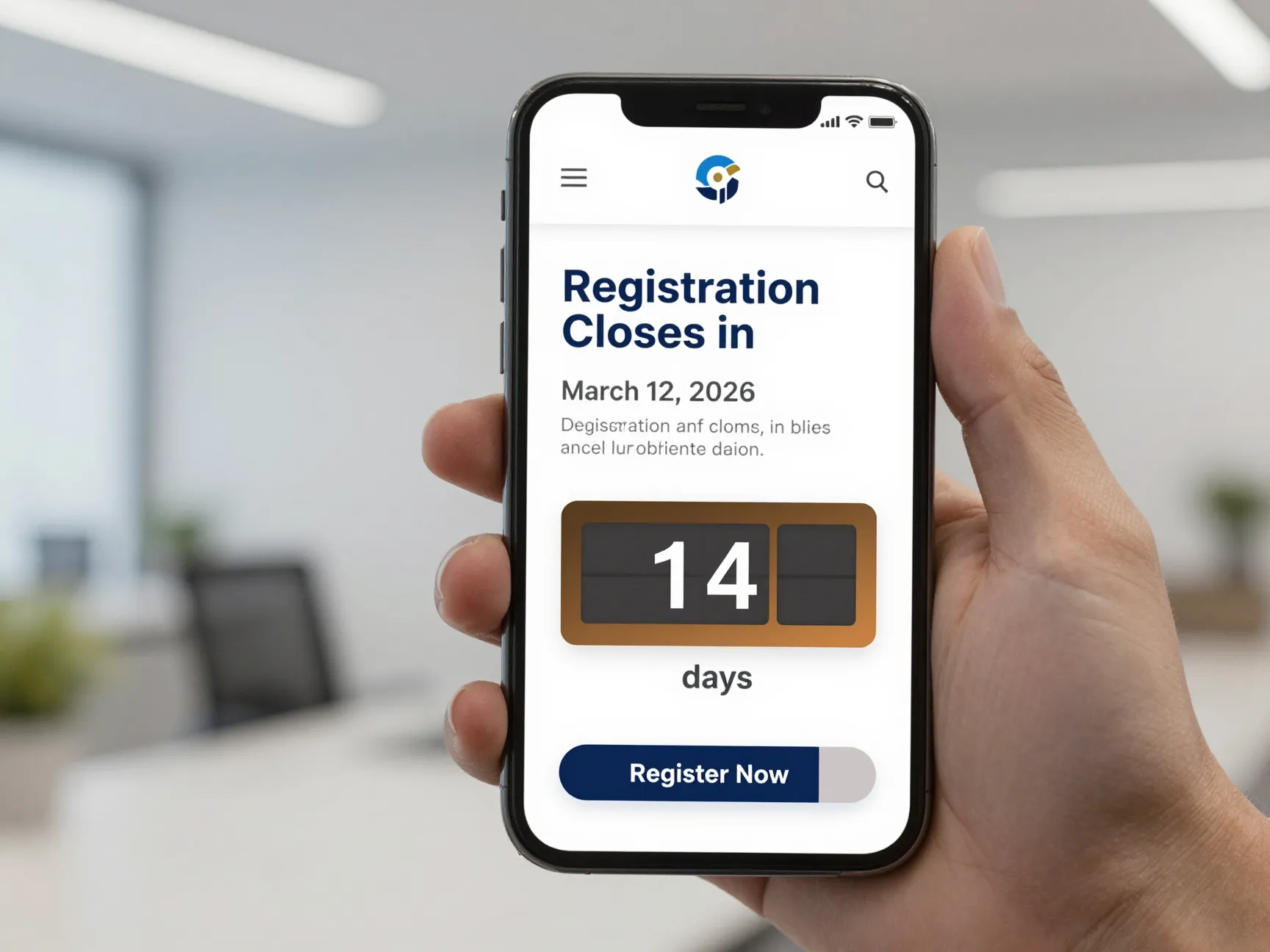
Best for: B2B events, industry summits, annual company meetings
Corporate events need to communicate professionalism and clarity above all else. This template uses a clean, structured layout with the company logo at the top, followed by the event name, date, location, and a bold call-to-action (CTA) button like “Register Now” or “Add to Calendar.”
Key formatting tips:
- Use your brand colors and logo
- Include the event theme or tagline
- Add a countdown timer to create urgency around early registration [5]
- Specify the time zone, especially for virtual or international events [4]
Sample subject line: [Company Name] Annual Summit — Save the Date | March 12, 2026
A countdown timer is particularly powerful here. When guests see “Registration closes in 14 days,” they act faster. Unlayer’s drag-and-drop email builder includes countdown timer widgets you can drop into any template without writing a single line of code [5].
3. The Casual Birthday Party Template
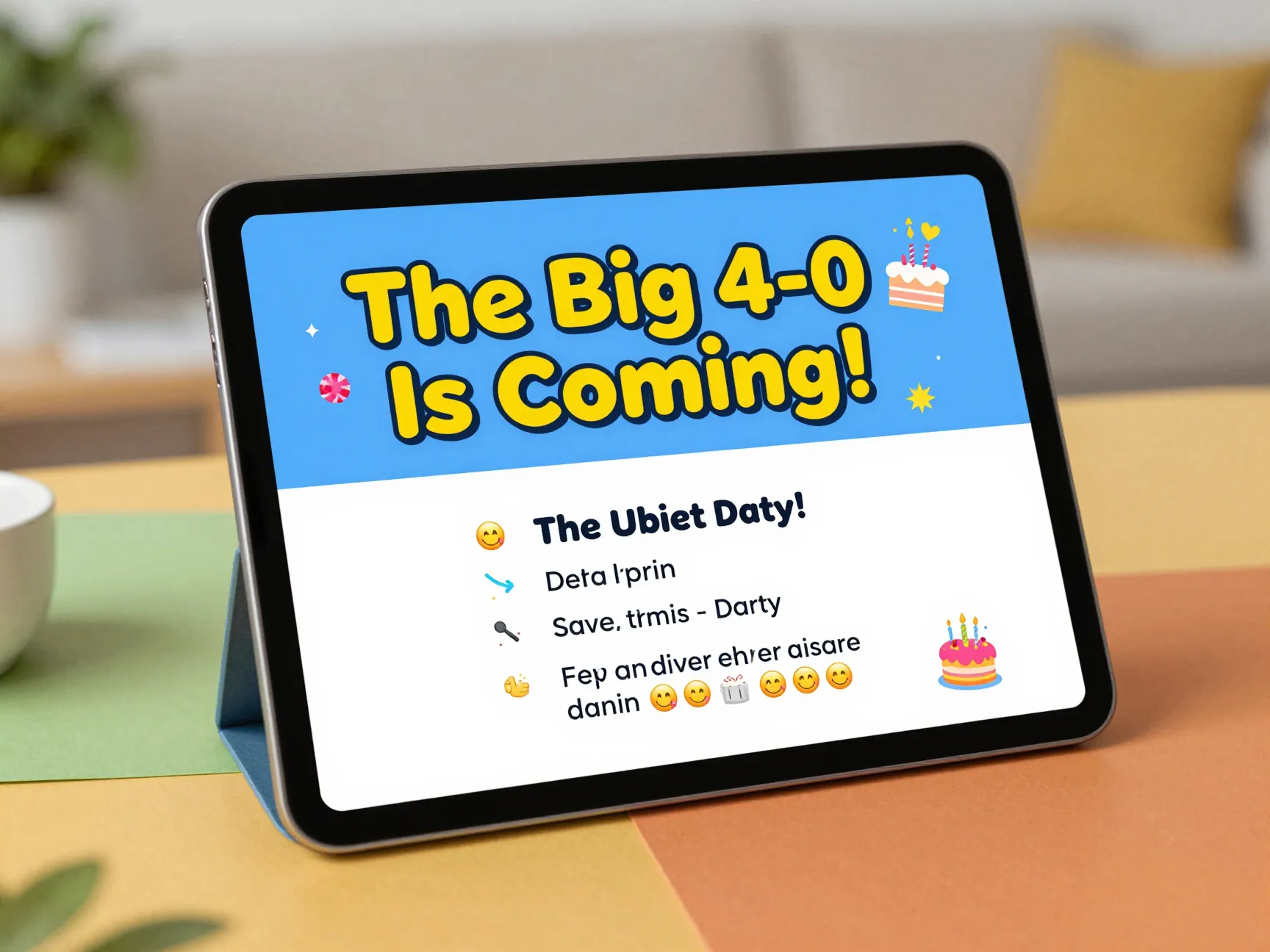
Best for: Milestone birthdays, surprise parties, friend group celebrations
Birthday save the dates should match the energy of the party — fun, warm, and a little playful. This template uses bright colors, a bold headline like “The Big 4-0 Is Coming!”, and a short, punchy message that gets guests excited.
Elements to include:
- The birthday person’s name and milestone age (if applicable)
- Date, time, and location
- A fun tagline or inside joke
- An emoji or two to set the tone 🎉🎂
- Optional: dress code or theme hint
Tone example:
“Clear your calendar — we’re throwing [Name] the birthday bash of the decade. Details coming soon. For now, just save the date!”
Keep the email short. Birthday invites don’t need a lot of copy — the excitement sells itself. Platforms like Blaze.today offer ready-made birthday templates that you can customize in minutes [2].
4. The Webinar or Virtual Event Template
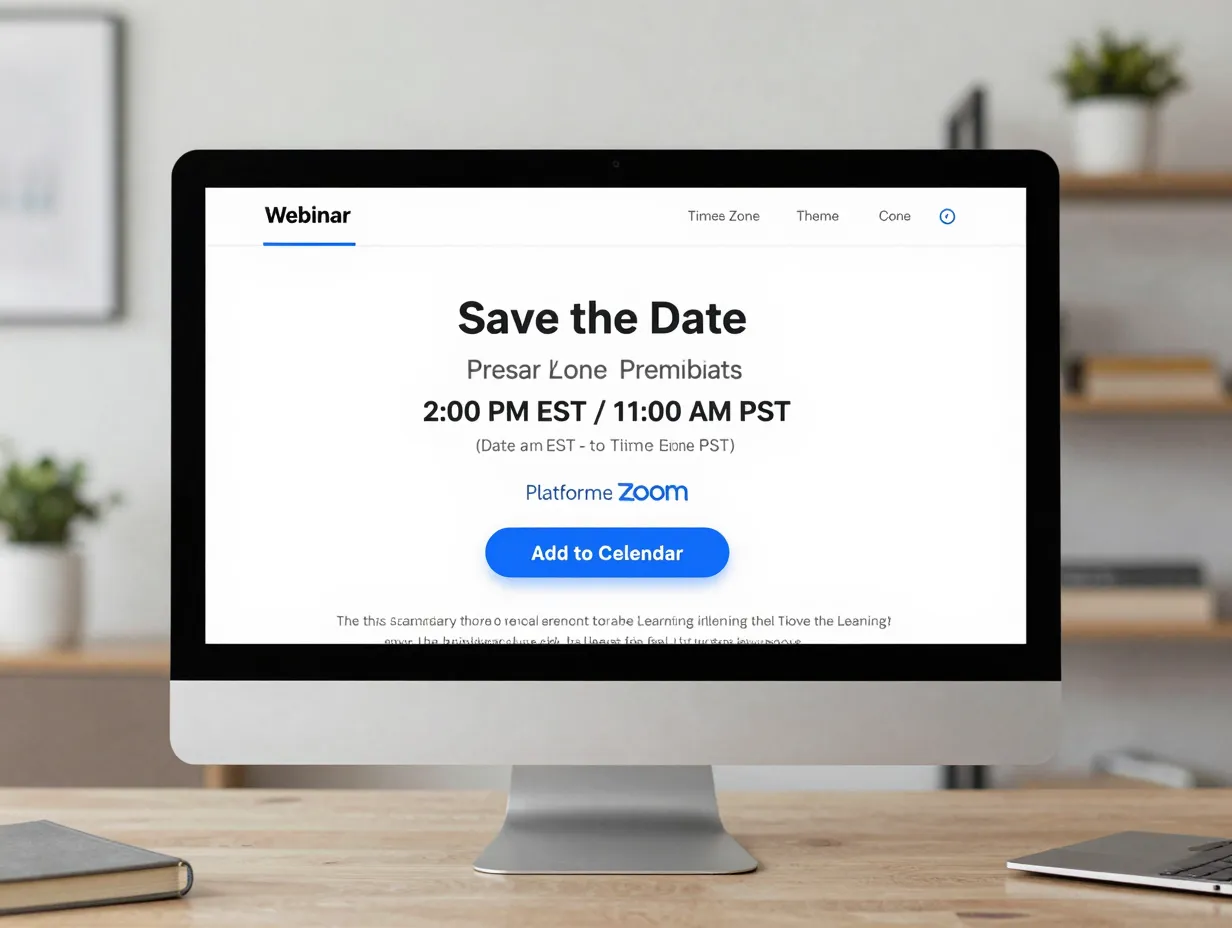
Best for: Online workshops, product demos, educational webinars
Virtual events have unique needs. Guests need to know exactly how to join — not just when. This template prioritizes the join link and time zone information front and center, so there’s no confusion on event day.
Must-have elements:
- Event title and presenter name
- Date and time with time zone clearly stated (e.g., 2:00 PM EST / 11:00 AM PST)
- Platform name (Zoom, Teams, Google Meet)
- A prominent “Add to Calendar” button
- A one-line description of what attendees will learn
⚠️ Common mistake: Forgetting the time zone. If your audience is international, always list at least two time zones [4].
The subject line should be direct: "[Webinar Name] — Save the Date | [Date] at [Time] EST" [3]. Vague subject lines like “Upcoming event” get ignored or deleted.
5. The Product Launch Announcement Template
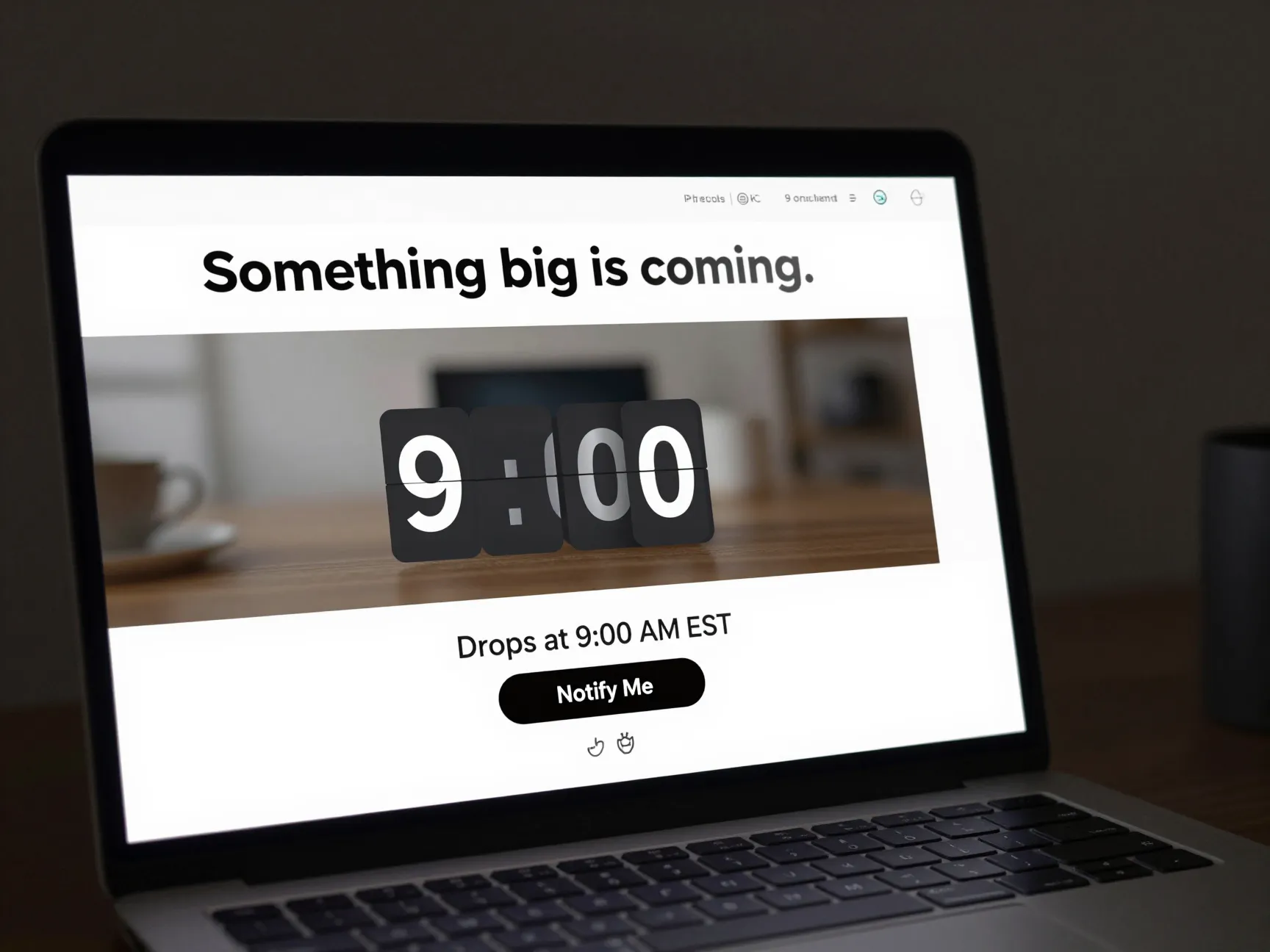
Best for: SaaS launches, e-commerce drops, brand reveals
Product launch emails create buzz. This template is built around anticipation and exclusivity — it teases the product without giving everything away. Think of it as a movie trailer in email form.
Structure:
- Bold headline: “Something big is coming.”
- Teaser image or blurred product photo
- Launch date and time (create urgency with a specific time, like “Drops at 9:00 AM EST”)
- A “Notify Me” or “Join the Waitlist” CTA button
- Brand logo and social media links
This format works especially well when paired with a countdown timer [5]. Seeing the clock tick down makes the launch feel like an event guests don’t want to miss.
Subject line ideas:
"🚀 [Brand Name] Is Launching Something New — [Date]""Save the Date: [Product Name] Drops on [Date]"
6. The Non-Profit Fundraiser or Gala Template
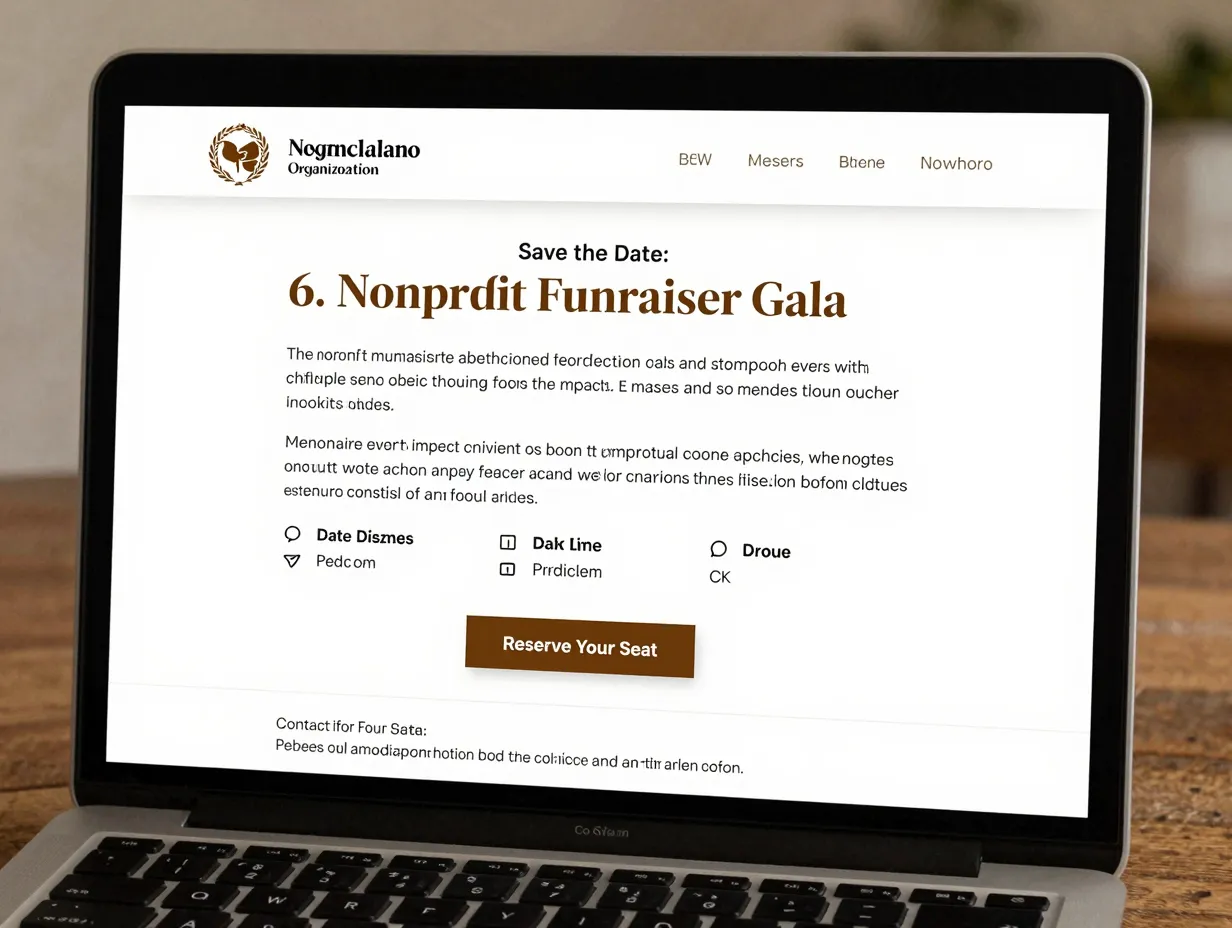
Best for: Charity galas, benefit dinners, community fundraisers
Non-profit events need to communicate both the emotional mission and the practical details. This template leads with a compelling mission statement or impact statistic, then transitions smoothly into the event details.
Template structure:
| Section | Content |
|---|---|
| Header | Organization logo + event name |
| Hook | One powerful statistic or mission quote |
| Event Details | Date, time, venue, dress code |
| CTA | “Reserve Your Seat” or “Donate Now” |
| Footer | Contact info + social links |
The tone should be warm and inspiring — not salesy. Guests attending a gala want to feel like they’re part of something meaningful before they even arrive.
💡 Use a subject line like:
"You're Invited: [Org Name] Annual Gala — Save the Date for [Date]"
7. The Holiday or Seasonal Party Template
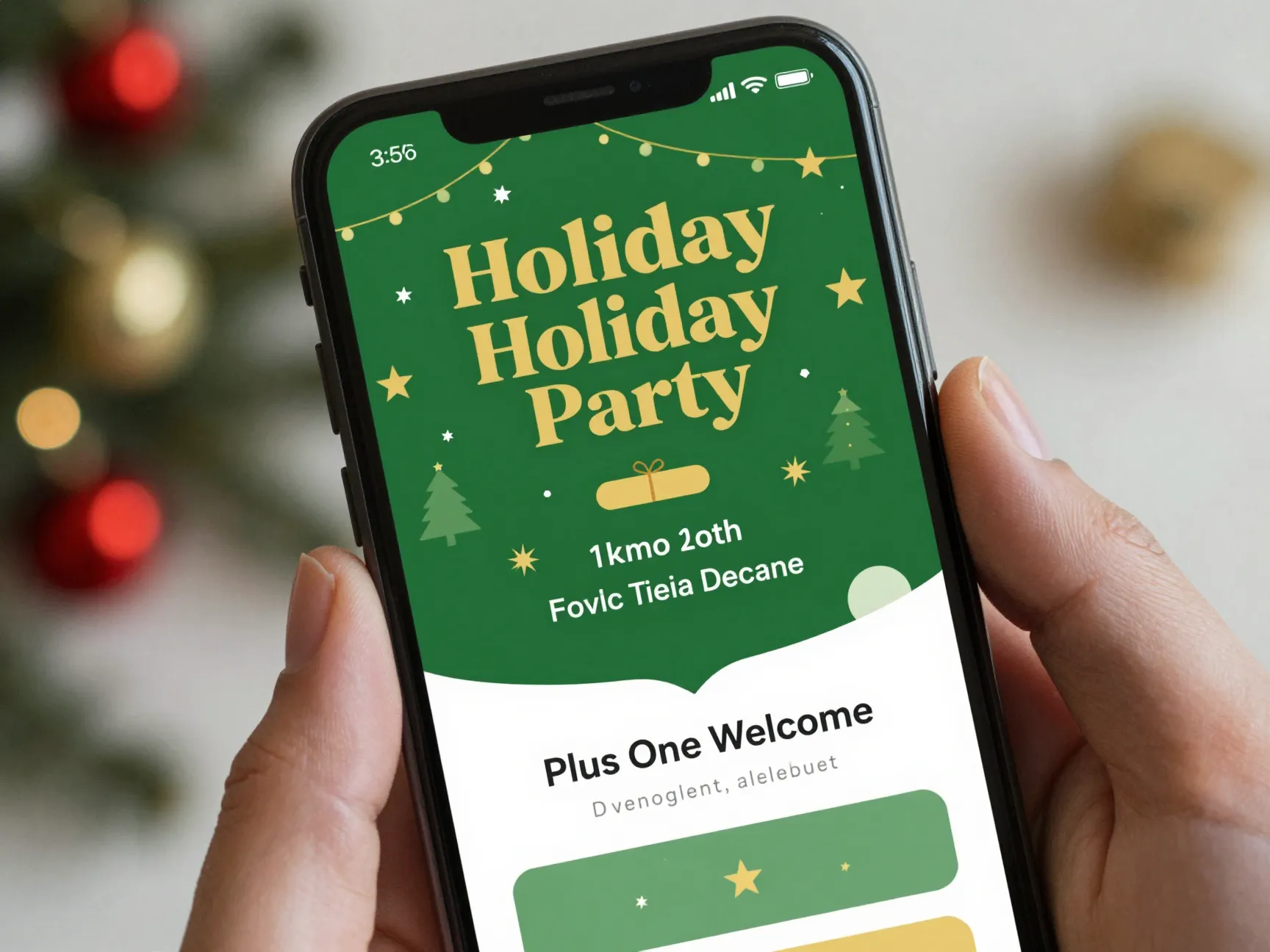
Best for: Office holiday parties, New Year’s Eve events, seasonal celebrations
Holiday party save the dates need to go out earlier than you think — ideally 6–8 weeks before the event, since everyone’s calendar fills up fast during the holiday season. This template leans into seasonal visuals and a festive tone.
Design tips:
- Use seasonal color palettes (deep greens and golds for winter, pastels for spring)
- Include a festive graphic or animated GIF (animated elements are a top 2026 trend) [10]
- Keep copy short — guests just need the date, time, and location
- Add a “Plus One Welcome” note if applicable
Sample copy:
“The holidays are coming, and so is our annual celebration! Save the date and get ready for a night of good food, great company, and plenty of cheer.”
For office parties, make sure to include whether the event is in-person, virtual, or hybrid — this is still a common point of confusion [4].
8. The Multi-Day Festival or Retreat Template
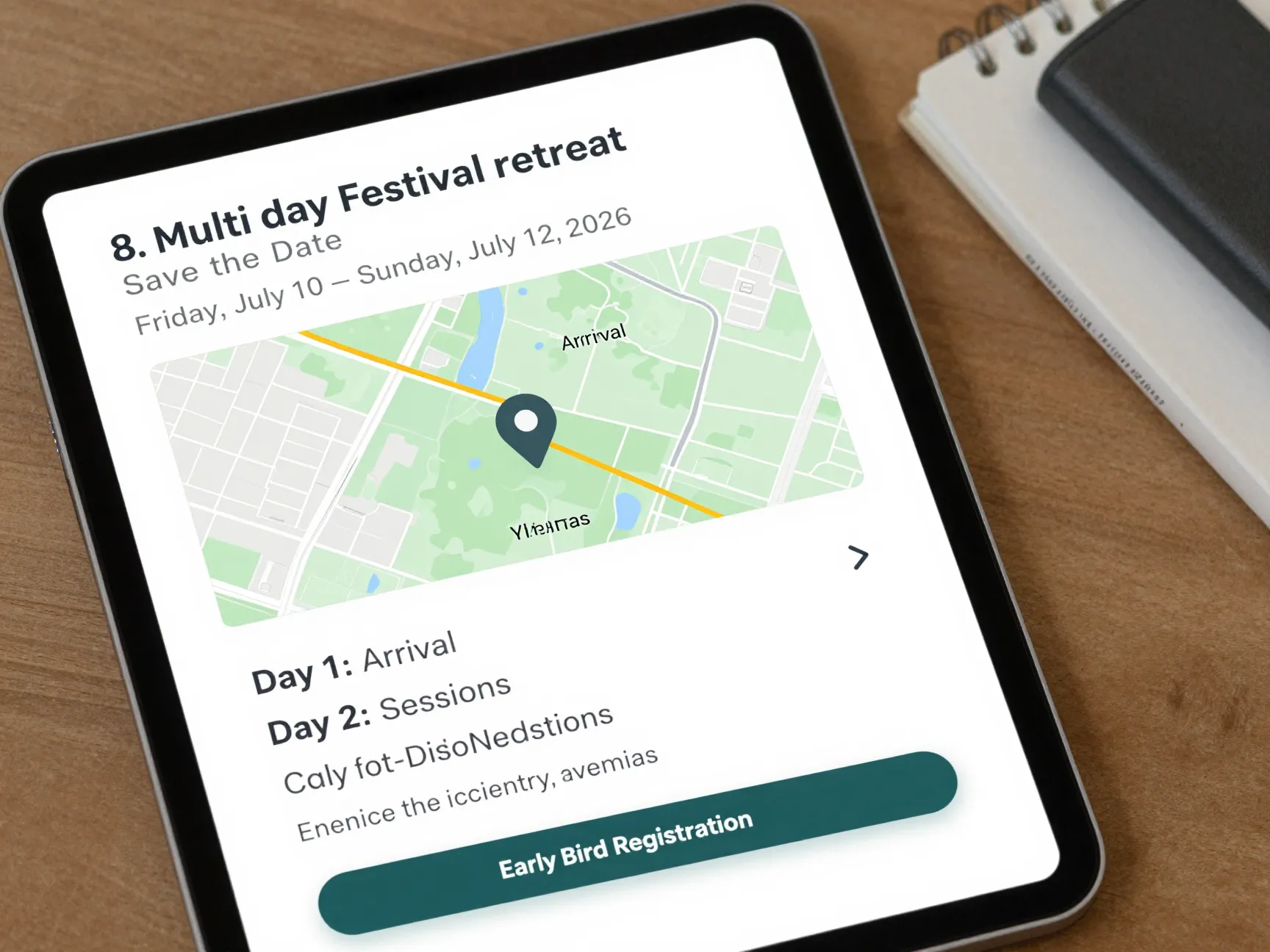
Best for: Music festivals, wellness retreats, multi-session conferences
Multi-day events need a slightly more detailed save the date because guests have to plan travel, accommodations, and time off work. This template uses a structured itinerary preview to give guests enough information to commit without overwhelming them.
Key elements:
- Event name and tagline
- Full date range: e.g., Friday, July 10 – Sunday, July 12, 2026
- Location with a map link
- A brief agenda overview (Day 1: Arrival & Welcome Dinner, Day 2: Sessions & Activities, etc.)
- Accommodation options or a hotel block link
- Early bird registration CTA
📅 Formatting note: Always write out the full date range rather than “mid-July weekend.” Specificity builds trust and makes calendar blocking easy [4].
AI-powered tools like Mailmeteor’s AI Email Writer can help you draft the copy for complex multi-day event emails in seconds — just describe the event details and let the tool generate a professional first draft [3].
How to Choose the Right Template for Your Event
With 8 Effortless Save the Date Templates for Email That Guests Love now in your toolkit, the next question is: which one fits your event best? Here’s a quick decision guide:
| Event Type | Best Template | Key Priority |
|---|---|---|
| Wedding | Template 1 (Classic) | Elegance & romance |
| Corporate conference | Template 2 (Corporate) | Professionalism & urgency |
| Birthday party | Template 3 (Casual) | Fun & personality |
| Webinar | Template 4 (Virtual) | Clarity & time zone info |
| Product launch | Template 5 (Launch) | Hype & exclusivity |
| Fundraiser/Gala | Template 6 (Non-Profit) | Mission & emotion |
| Holiday party | Template 7 (Seasonal) | Festivity & timeliness |
| Multi-day event | Template 8 (Festival) | Detail & logistics |
Essential Best Practices for Every Save the Date Email
No matter which template you choose, these best practices apply across the board.
Write a Subject Line That Gets Opened
Your subject line is the single most important factor in whether your email gets read. Recommended formats include:
"Save the Date: [Event Name] — [Date]""[Event Name] — Save the Date""🎉 You're Invited: [Event Name] on [Date]"[3]
Avoid vague subject lines like “Important update” or “Upcoming event.” Be specific. Be clear. Be compelling.
Prioritize Mobile-Responsive Design
More than half of all emails are opened on mobile devices. A template that looks great on desktop but breaks on a phone will frustrate guests and hurt your RSVP rate. Always preview your email on mobile before sending, and use templates that are built with responsive design from the start [4].
Mobile checklist:
- Font size: minimum 14px for body text, 22px+ for headlines
- Single-column layout for easy scrolling
- Tap-friendly CTA buttons (at least 44px tall)
- Concise copy — no one wants to scroll through a wall of text on their phone
Use Specific Date and Time Formatting
Always write out the full date and time. Compare these two examples:
- ❌ “Join us next fall for our annual event”
- ✅ “Join us on Saturday, September 20, 2026, at 7:00 PM EST”
The second version removes all ambiguity and makes it easy for guests to add the event to their calendar immediately [4].
Leverage AI Tools to Speed Up Drafting
In 2026, there’s no reason to stare at a blank screen. AI-powered email writers can generate a polished save the date draft in seconds. Tools like Mailmeteor’s AI Email Writer let you describe your event and instantly produce professional copy you can customize [3]. This is especially helpful for multi-day events or corporate announcements where the copy needs to be precise.
Test Before You Send
Always send a test email to yourself and at least one other person before hitting “send all.” Check for:
- Broken links
- Typos in dates or times
- Images not loading
- CTA buttons not working on mobile
- Subject line preview text
Top Tools for Building Save the Date Emails in 2026
Here are the most popular platforms for creating and sending save the date emails this year:
- Canva — Free design templates with drag-and-drop customization; great for visual-first templates [1]
- Mailmeteor — AI-powered email drafting plus Gmail integration for personalized mass sends [3]
- Unlayer — Professional drag-and-drop email builder with countdown timers and advanced widgets [5]
- GMass — Gmail-based mass email tool with mail merge for personalized save the dates [1]
- Blaze.today — Ready-made templates for multiple event types, easy to customize [2]
- PosterMyWall — Visual template library with save the date designs exportable for email [9]
Each tool has a free tier that works well for most personal events. Corporate events with large guest lists may benefit from a paid plan for advanced tracking and personalization features.
Conclusion: Your Next Steps to Sending a Save the Date Email Guests Will Love
You now have everything you need to send a save the date email that stands out, gets opened, and actually gets guests to block off their calendars. Here’s a quick action plan to get started:
- Choose your template from the 8 options above based on your event type
- Pick your design tool — Canva for visuals, Mailmeteor for AI-assisted copy, Unlayer for advanced features
- Write a specific subject line using the recommended formats
- Fill in the exact date, time, and time zone — no vague phrasing
- Preview on mobile before sending to your full guest list
- Send early — 6–8 weeks before for most events, up to 12 months for destination weddings
The difference between a save the date email that gets ignored and one that guests love comes down to clarity, design, and timing. With these 8 Effortless Save the Date Templates for Email That Guests Love, you’re already ahead of the curve. Start with the template that fits your event, make it your own, and send it with confidence.
References
[1] Save The Date Email – https://www.gmass.co/blog/save-the-date-email/
[2] Save The Date Email Templates – https://blaze.today/blog/save-the-date-email-templates/
[3] Save The Date Email – https://mailmeteor.com/blog/save-the-date-email
[4] Save The Date Email Template – https://theeventscalendar.com/blog/save-the-date-email-template/
[5] Save The Date – https://unlayer.com/email-templates/save-the-date
[6] Save The Date Email Templates – https://www.starterstory.com/save-the-date-email-templates
[7] Event Conference Trade Show – https://reallygoodemails.com/categories/event-conference-trade-show
[8] 2026 Email Ideas – https://www.maildesigner365.com/2026-email-ideas/
[9] Search – https://www.postermywall.com/index.php/posters/search?s=save+the+date+2023+2024+2025+2026
[10] The Top 10 Save The Date Trends For 2026 Beyond The Standard Postcard – https://www.eventifai.com/planning-guides/the-top-10-save-the-date-trends-for-2026-beyond-the-standard-postcard